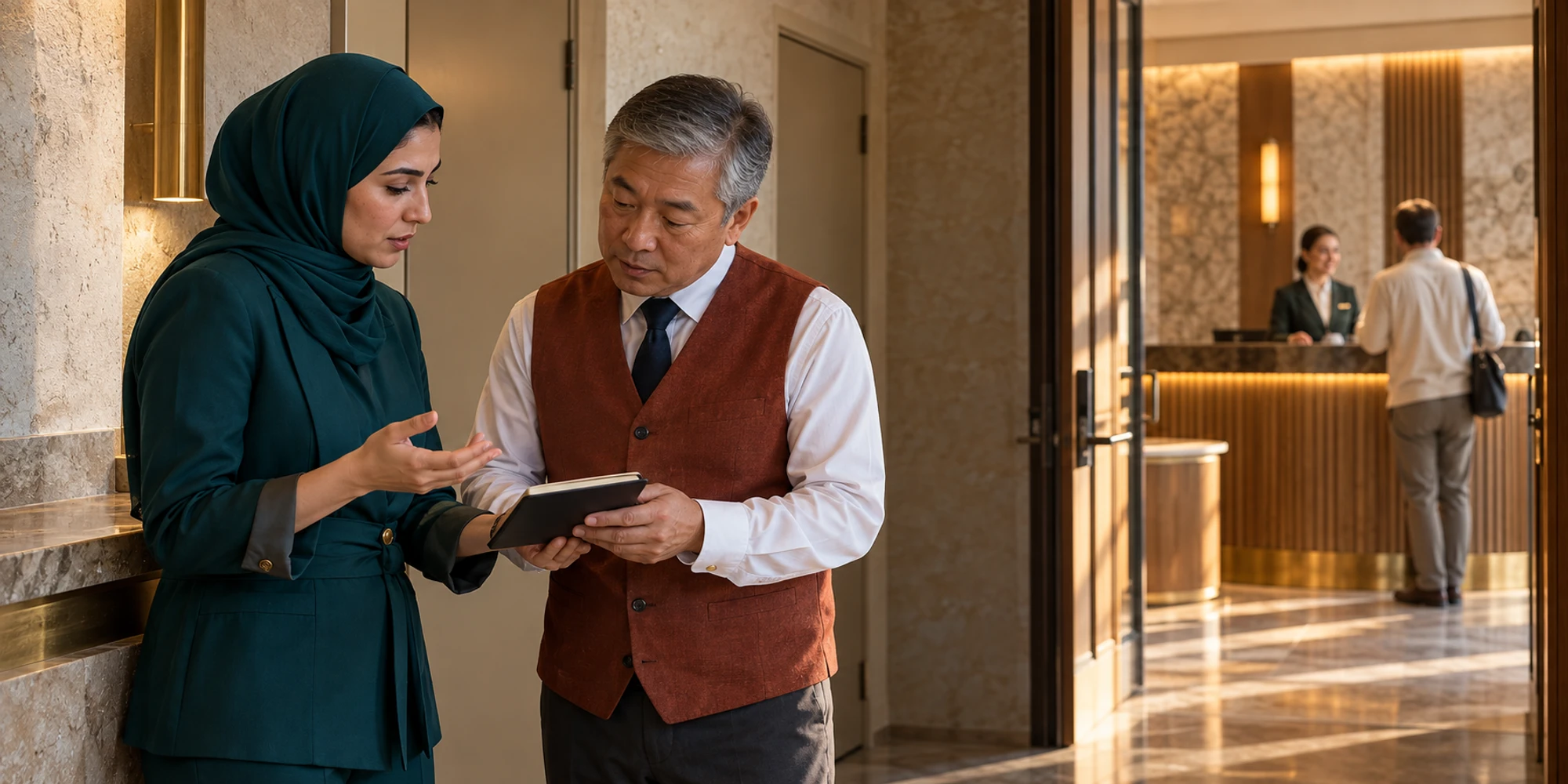
Yes. DripTell lets hotel colleagues add private team notes and mention one another beside a supported guest conversation. The note is for authorised workspace teammates, not a customer-facing WhatsApp, Instagram, Messenger, Telegram or web-chat reply. That separation is useful only when the team also keeps one visible owner and checks the hotel system before promising an operational result.
Consider an early check-in request. The guest wants an answer now, reception needs housekeeping confirmation, and the property-management system remains the source of truth for room readiness. A private note can connect those people without making the guest watch the internal discussion.
A private note is not a guest message
The DripTell Team Inbox keeps private notes beside the conversation history. An agent can record relevant context and mention the responsible teammate while the original guest thread remains separate. This is different from drafting a reply in the message composer.
The practical rule is simple: if the words should reach the guest, write a customer reply. If they ask a teammate to check or decide something, use a private note. Always verify the note indicator and recipient context before posting.
Follow one early check in request
At 10:15, a guest asks whether a 14:00 check-in can move to noon. Reception should not promise the room or expose internal uncertainty. The owner acknowledges the request and gives a realistic update time.
Reception then adds a note such as: “@DutyManager, booking ending 4821 requests noon arrival. Please confirm room readiness with housekeeping by 10:45. I own the guest reply.” This uses a partial reference rather than unnecessary personal data. The internal notes guide supports the same pattern: relevant context, a named person, a clear question and an expected result.
Put each fact in the right system
A note coordinates work; it does not prove that the work happened. Use this boundary before the team sends any promise.

- 1Guest replyShare confirmed facts and the next update.
- 2Private noteName one teammate, action and deadline.
- 3Hotel systemKeep booking and room status authoritative.
| Information or action | Correct destination | Why |
|---|---|---|
| Confirmed update and next response time | Guest reply | The guest needs clear, usable information |
| Check with housekeeping by 10:45 | Private note and mention | A named teammate can act without exposing internal discussion |
| Room ready or not ready | Property-management or operations system | The operational source must remain authoritative |
| Final answer and conversation owner | DripTell conversation | The customer history keeps one accountable next step |
The hospitality workflow page describes bookings, guest questions and ownership together, but it does not claim that DripTell replaces a hotel PMS.
Write a note that can be acted on
A useful note contains the current fact, the requested action, the named owner and the deadline. Add the source when ambiguity matters. Avoid commentary such as “guest is difficult,” unexplained abbreviations or a pasted block of conversation history. Those make the next decision slower and can create unnecessary privacy exposure.
If ownership changes, use the conversation assignment guide and state who now owns the guest reply. A mention attracts attention; it is not the same as accepted responsibility.
Keep the customer answer deliberate
When operations confirms the room state in its own system, the conversation owner sends one concise answer. If the request cannot be confirmed, say so and offer the next useful option. The support workflow keeps ownership, notes and mentions out of the customer thread while preserving the history for the team.
Private does not mean unrestricted
Use workspace roles so only the right team can see the conversation, and record only what the work needs. Do not paste passport images, payment-card numbers, health details or unrelated personal judgments into a note. The DripTell security page explains role and access boundaries.
WhatsApp’s current Business Messaging Policy makes the business responsible for appropriate notices, permissions and protection of customer information. A private note does not create legal privilege or remove local privacy obligations.
Test the workflow before live use
Use a privacy-safe test guest. Send an early check-in question, add a private note, mention the duty manager, reassign the conversation and post the final reply. Confirm that the note stays inside the workspace, the mentioned teammate can find the thread, ownership is visible and the guest receives only the intended message.
Also test a muted notification, an absent manager and denied access. Agree on a fallback queue before live use.
Frequently asked questions
Can a hotel guest see a DripTell internal note
No. The feature is designed as a private workspace note, separate from the customer reply. Staff should still check the note indicator and conversation context before posting.
What belongs in a hotel internal note
Include the relevant fact, one requested action, a named teammate, a deadline and the reply owner. Keep sensitive or unnecessary personal data out.
Does a note update the property management system
No. A note coordinates the team. Room readiness, booking changes and operational completion stay in the hotel system unless a separately verified integration updates them.
Does mentioning a teammate complete the handoff
Not by itself. Confirm visible assignment, acceptance and the person responsible for the next guest-facing response.
Want help applying this guide?Ask the DripTell team
From reading to action
Want help applying this to your business?
Share your details. We will read the article you are on and start with a useful answer for your team.
DripTell Editorial
Practical guidance reviewed by the DripTell product and customer workflow team.
See how DripTell checks product claims, uses primary sources and handles corrections.
Editorial and source policy