
A WhatsApp back in stock alert is useful when it brings back the exact item someone wanted. Not a similar colour. Not another size. The same product, available to buy now.
Imagine a shopper looking for an orange jacket in medium. They ask to hear when it returns, then receive a message because extra large has arrived. Your stock changed, but their problem did not.
Good alerts start with that difference. Build a small, accurate waiting list before building a bigger campaign.
Remember the item rather than just the customer
Save the product, size, colour and relevant store or delivery area against the request. If two jackets have similar names, use the shop's product or variant identifier internally. The shopper should not need to understand your catalogue codes.
- 1Record the variantKeep product, size, colour and location beside the request.
- 2Check sellable stockConfirm the matching item and its live purchasing route.
- 3Keep the choice openSend the relevant update and stop when the request ends.
Record when they asked and whether they still want the update. A request from last winter might no longer be useful this autumn. Choose an appropriate review period for your products rather than treating every old request as a permanent audience.
Keep the alert separate from general offers. Someone asking about one jacket has not asked to receive your whole seasonal collection. WhatsApp's messaging policy requires permission and respect for opt outs. Make that choice easy to understand.
Wait for stock that customers can actually buy
A supplier's expected delivery is not stock on the shelf. A warehouse delivery is not necessarily available in the shopper's location. Check the exact variant in the system that controls your sellable inventory.
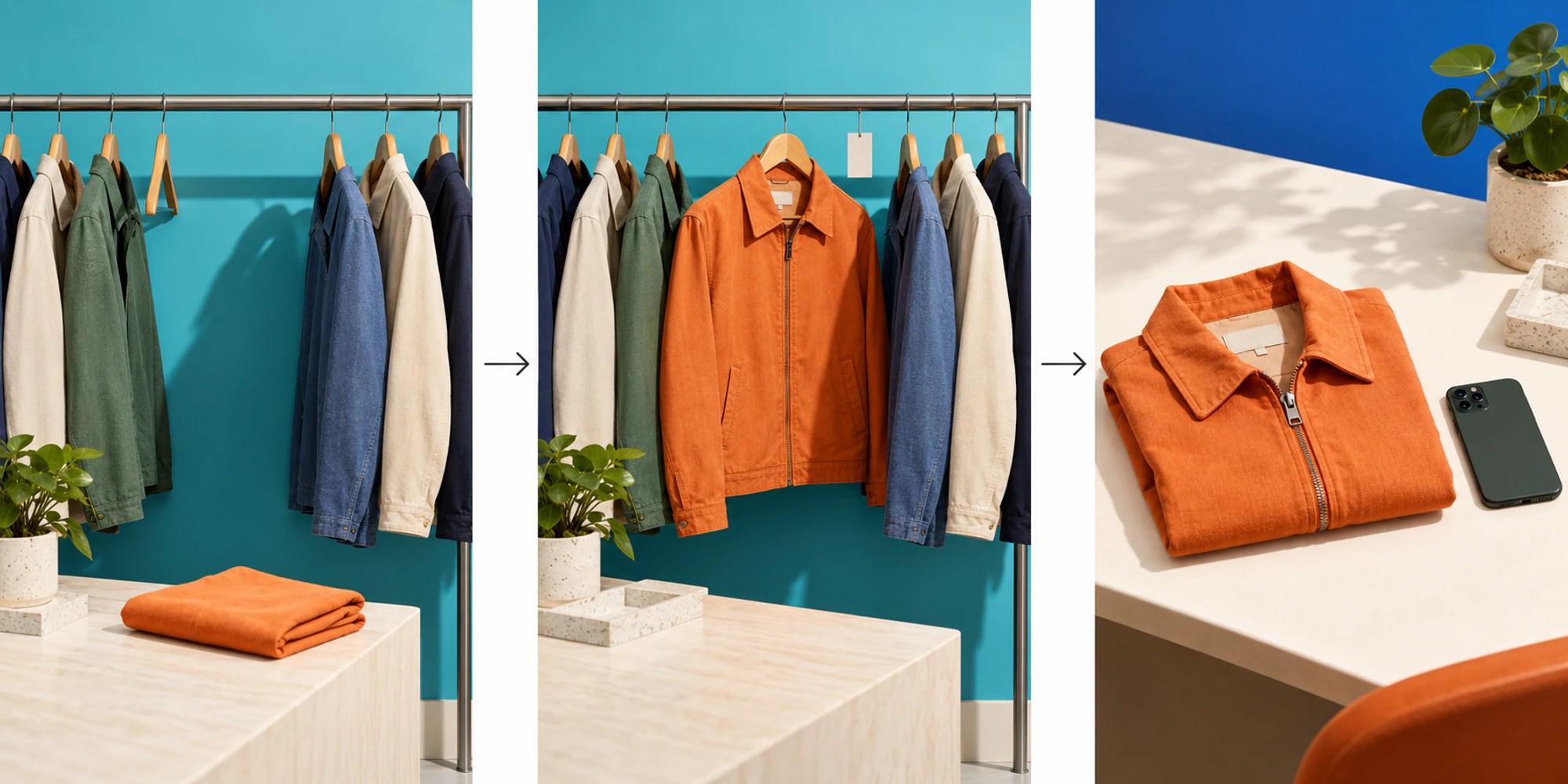
For a small shop, that can be a staff check followed by a short approved list. For an automated flow, it needs a reliable stock event and a fresh check before sending. This is a workflow recommendation, not a claim that every messaging tool has a native inventory connection.
The decision is simpler when your catalogue and online store agree. Check the product link, current price and purchasing route too. An alert pointing to a sold out page is an invitation you cannot honour.
Send a useful invitation rather than a sales blast
The purpose is to let the customer decide, not rush them into an order. Show the item clearly, name the requested variant, link to the correct product and explain whether anything is reserved.
A hypothetical alert might read: “The orange jacket you asked about is back in medium. You can check the current price and availability here. We haven't reserved one for you.”
Avoid artificial countdowns or claims that you know how many people are competing for it. If there is a genuine reservation option, explain its actual terms separately.
Meta's marketing guidance describes relevant product recommendations and targeted offers. With business messaging software, check the approved message template and its current category. A stock alert is not automatically a non-promotional update.
| Situation | Better choice |
|---|---|
| Requested size is available | Check the live variant and invite the shopper |
| Only another size arrived | Keep the request open without sending a false match |
| Stock is expected next week | Do not describe it as available today |
| Customer already bought | Close this waiting request |
| Customer no longer wants updates | Stop this alert |
Give replies somewhere useful to go
A customer may ask whether the jacket fits differently or whether they can collect it tomorrow. Decide who answers before the alert leaves.
A shared inbox helps explain the team side of that conversation. The relevant product request should remain visible so the next person does not ask the shopper to start again.
When considering campaign tools, check whether you can keep this specific audience separate from general promotions. When reviewing automation, test the stop conditions as carefully as the sending trigger. A purchase, cancellation or opt out should not be followed by another invitation for the same request.
Start with a small checked batch. Watch for wrong variants, broken links and questions nobody owns before increasing volume.
Judge whether the alert actually helped
Delivered messages are not completed sales. Look at valid requests, relevant alerts, customer replies and purchases you can genuinely connect to the notification. Record wrong matches and complaints too.
Before comparing pricing, count stock checking and reply handling alongside messaging costs. A cheap send becomes expensive if it creates avoidable work. The WhatsApp channel is the conversation route; your shop still owns availability and order confirmation.
The useful outcome is a customer finding what they wanted without chasing your team.
Frequently Asked Questions
Does a back in stock alert reserve the product
No. An alert tells someone it is available when checked. Reservation needs a separate confirmed process, and checkout may still change availability.
Can I notify everyone who once asked about a product
Review the specific request, permission and whether it remains relevant. Do not turn an old enquiry into an unlimited marketing subscription.
What if the item sells out before the customer opens the message
Let the product page show current availability. Keep the customer's choice clear and offer another waiting request only if they want it.
Do I need automation to start
No. A small shop can start with a checked waiting list. Automate only when reliable stock information and reply ownership are in place.
Want help applying this guide?Ask the DripTell team
From reading to action
Want help applying this to your business?
Share your details. We will read the article you are on and start with a useful answer for your team.
DripTell Editorial
Practical guidance reviewed by the DripTell product and customer workflow team.
See how DripTell checks product claims, uses primary sources and handles corrections.
Editorial and source policy