
Yes. A teammate can use the DripTell mobile app to open connected WhatsApp conversations, read history and context, reply, change the owner, update contact or lead details and receive push notifications. The app is available for iPhone and Android. Treat it as the working inbox away from a desk, not proof that every desktop administration task belongs on a phone.
What the mobile app is for
The DripTell mobile app carries the same customer story into a smaller working surface. A signed-in teammate can open the shared inbox with channel identity, status, assignment and recent history intact while away from a desk.
The current Apple App Store and Google Play listings describe connected conversations, real-time updates, centralized contacts, team assignment, organization and channel switching, and push notifications. They do not promise parity with every browser feature.
What stays with the conversation
Mobile work is useful only when it prevents the person from reconstructing the story. In the shared inbox, a conversation should still show the connected channel, current status, named owner, recent messages and the customer or lead record. The mobile product page also supports conversation search and filtering.
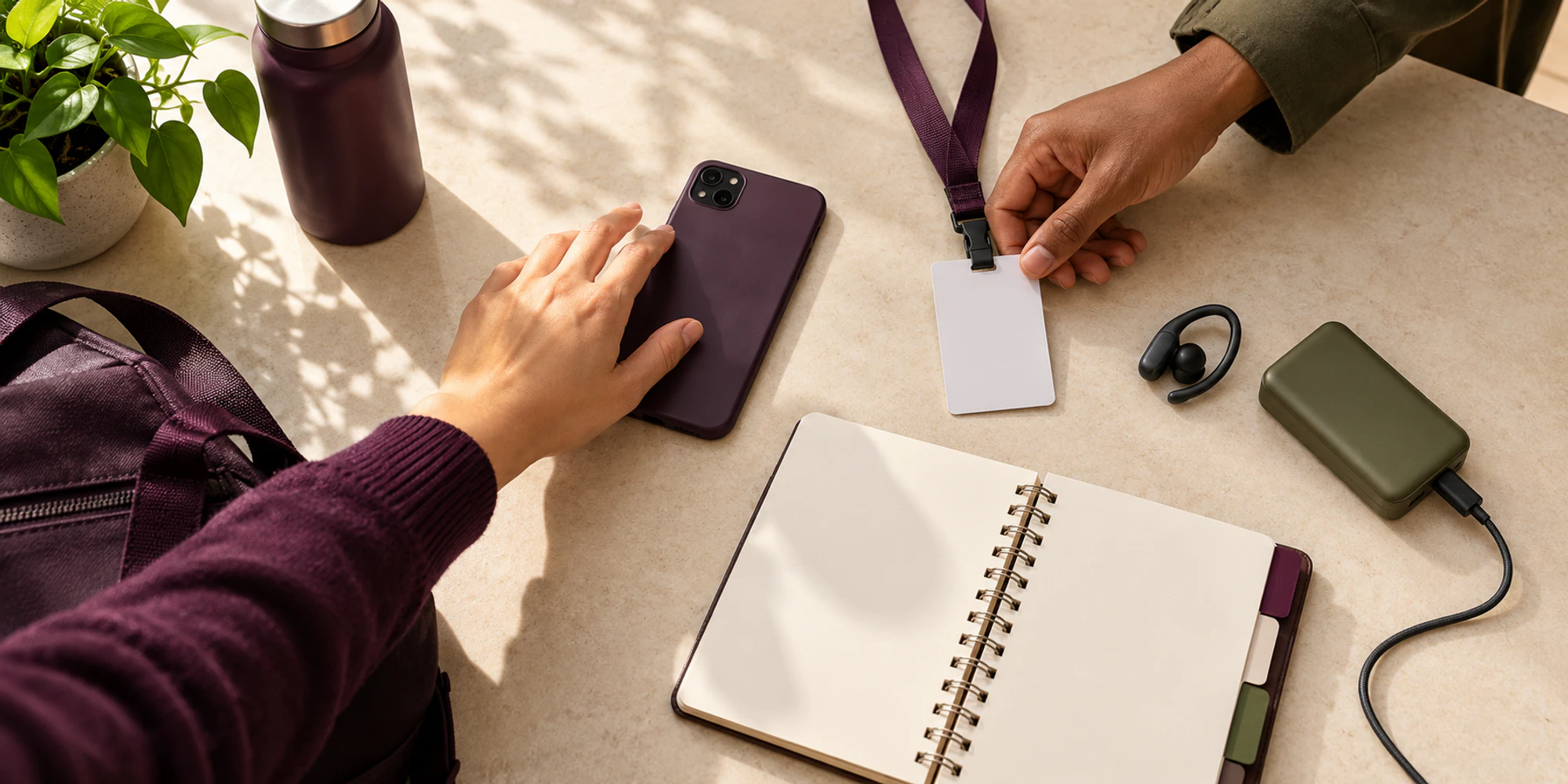
Before replying, check the owner and latest customer message. If the conversation belongs to another person, reassign it or agree the handover instead of answering in parallel. Then add any new fact to the customer record and change the lead stage only when the conversation actually supports that change.
| Team task | Useful on mobile | Boundary to keep |
|---|---|---|
| Read and reply | Continue a connected conversation with history visible | Confirm the active owner first |
| Assign work | Give the conversation to a teammate | Do not use assignment as proof the work is finished |
| Update context | Add a contact detail or change a lead stage | Record only verified information |
| Find a conversation | Search or filter the shared inbox | Check the correct organization and channel |
| Receive an alert | Return to work that needs attention | Test notification delivery on each device |
Set up the workspace before the shift
The app works with a DripTell workspace and connected channels. Create the organization, invite the team, define access and connect WhatsApp through the appropriate WhatsApp channel setup first.
Run one mobile acceptance test
Do not judge the app from a download badge. Test one ordinary customer journey on the devices your team will actually carry.
Assign a test conversation to the mobile teammate and confirm the notification arrives without exposing private content on a locked screen. Verify the sender, channel, history and owner. Send a harmless reply, add a test detail, change a test lead stage and reassign it. A desktop teammate should see the new state without rebuilding the story.
Repeat the notification check with the app in the background and after the phone restarts. Device focus modes, operating-system permissions and battery controls can affect delivery even when the workspace is configured correctly. A missing alert is a test failure to investigate, not evidence that the customer never wrote.
Keep administration and sensitive decisions deliberate
The mobile app is designed for active conversation work. It does not change the WhatsApp Business Messaging Policy or customer permission. This article does not claim that channel credentials, security policy, team administration, complex automations, reporting or every integration can be created and governed from the phone. Keep those changes in the reviewed workspace path your organization uses, with an accountable administrator and a recovery plan.
Require device locks, supported system updates and prompt offboarding after a loss or departure. Do not copy customer data into personal notes, screenshots or consumer chat apps.
Decide whether mobile access solves the buyer problem
The app is a good fit when people already work away from desks and need to continue owned conversations without waiting to return. It is not a substitute for a clear routing model, enough staffing or a reliable connected channel. If the real problem is duplicate replies, missing ownership or scattered records, test the DripTell platform as one operating system, not the mobile download in isolation.
Frequently Asked Questions
Is the DripTell mobile app available on iPhone and Android
Yes. Current official listings are live on Apple’s App Store and Google Play. Check the store page for current device and operating-system requirements before rollout.
Can an agent reply to WhatsApp from the app
Yes, for WhatsApp Business conversations connected to the DripTell workspace and available to that teammate. Access still depends on the workspace, channel connection and permissions.
Can a manager assign conversations from mobile
The current product evidence supports team collaboration and conversation assignment. Test the exact assignment path and visibility with your roles before relying on it during a shift.
Does mobile include every desktop feature
Do not assume that. The verified mobile scope covers conversation work, assignment, contacts and leads, search and filtering, organization or channel switching, and notifications. Verify any additional requirement separately.
Want help applying this guide?Ask the DripTell team
From reading to action
Want help applying this to your business?
Share your details. We will read the article you are on and start with a useful answer for your team.
DripTell Editorial
Practical guidance reviewed by the DripTell product and customer workflow team.
See how DripTell checks product claims, uses primary sources and handles corrections.
Editorial and source policy