





Want help applying this guide?Ask the DripTell team
A customer writes, ‘It still isn’t fixed.’ The timeline shows three agent replies, two internal notes, a status change, and an automatic acknowledgement. Calling all seven events ‘touches’ makes the report look precise, but it does not describe the customer's experience.
A useful support-touch measure counts meaningful, customer-visible human replies from the start of one issue until that issue is genuinely resolved. It excludes automation and internal housekeeping, keeps reopened work attached to the original problem, and never becomes an agent leaderboard on its own.
Start with the event
The word touch is dangerously flexible. One system may count every ticket update. Another may mean public replies only. A third may combine customer and agent messages. Microsoft's case handling guidance separates active work such as customer communication, research, collaboration and notes from elapsed resolution time. Its Active Conversation guidance also places case and customer activities together on one timeline. That is why a customer-visible reply cannot be inferred from every logged event.
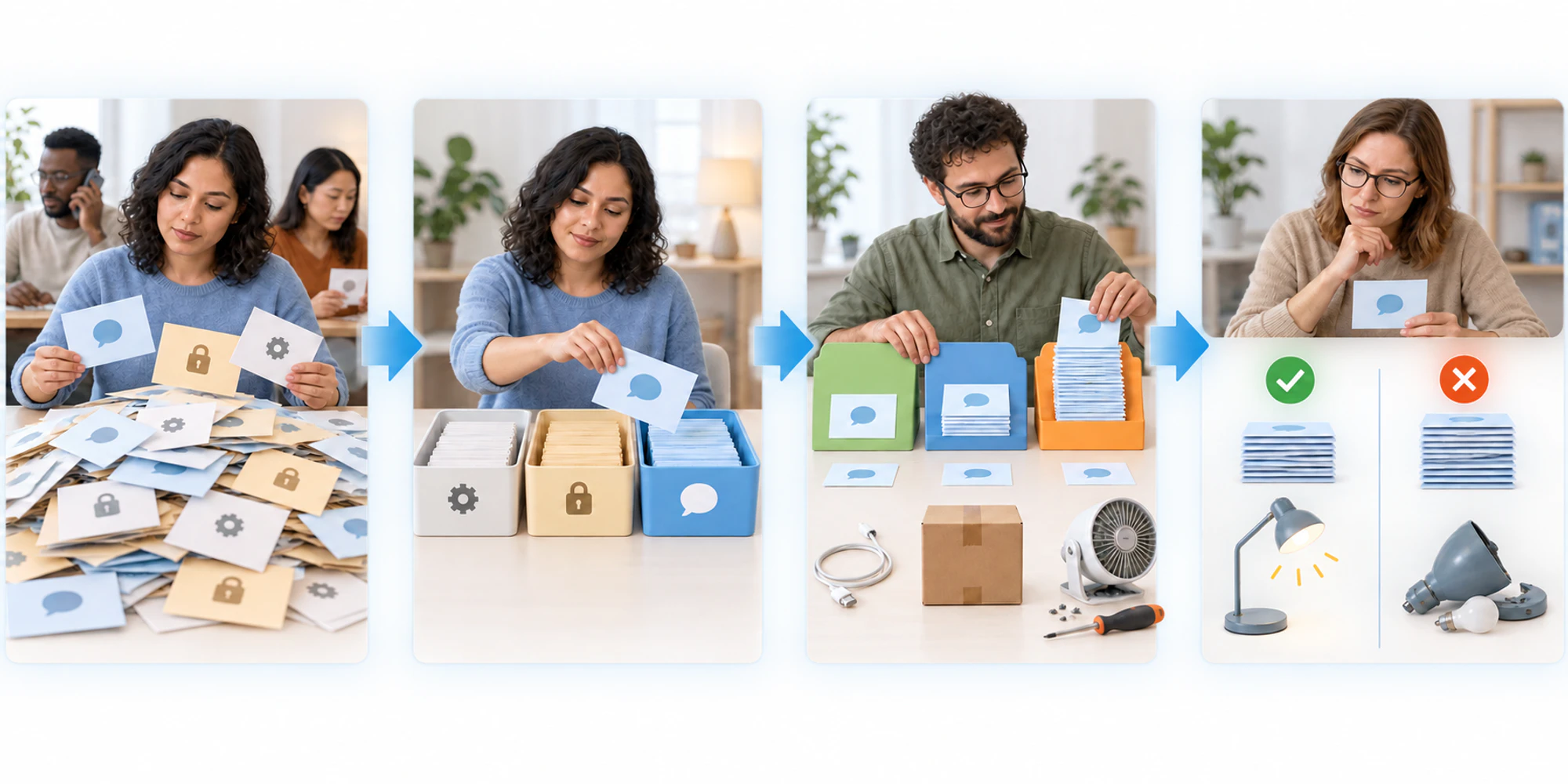
Write a short event contract before calculating anything. For this metric, I would count a human reply when it gives the customer new information, asks for information genuinely needed to progress the issue, confirms an agreed action, or explains a verified resolution. A copied ‘we are looking into it’ message adds a reply but may add no progress. Count it if the event definition says public replies, then flag it separately as a non-progress reply. Do not quietly remove inconvenient events later.
| Event | Count as a support touch | Keep elsewhere |
|---|---|---|
| Human public reply with useful information | Yes | Reply purpose |
| Necessary question to the customer | Yes | Information requested |
| Automatic acknowledgement or reminder | No | Automation volume |
| Internal note or status change | No | Internal work events |
| Transfer or reassignment | No | Ownership and handoff measures |
| Customer reply | No | Customer effort and response pattern |
This boundary does not imply that internal work has no value. It means internal work answers a different question. Measure it separately instead of mixing invisible activity with what the customer received.
Build a resolved issue cohort
The denominator should be unique issues that completed the same observation window, not whatever happened to close during the week. Choose a cohort by the date the issue entered service, then follow each one until confirmed resolution or the end of a stated window. If the customer returns with the same problem, attach the new reply to the original issue. That protects the metric from looking better when cases are closed early.
- Public human eventCount a reply only when a person sends useful information or a necessary request to the customer.
- Stable issue identityKeep the same underlying problem together across channels, transfers and reopenings.
- Verified resolutionUse issues that stayed solved through the agreed confirmation or reopen window.
- Comparable segmentCompare work with similar issue type, complexity, channel and service promise.
- Outcome safeguardRead touches beside reopen, repeat contact, resolution time and customer effort.
The basic calculation is simple: qualifying human replies divided by unique resolved issues. Also show the median and the distribution. An average of three can hide a large group solved in one reply and a smaller group trapped in ten. The old tail is where a broken intake form, missing permission, product defect, or weak handoff usually becomes visible.
Keep this measure beside first contact resolution, but do not treat them as duplicates. First contact resolution asks whether one contact solved the problem. Touches per resolution shows how much back and forth the rest required. If you cannot preserve one issue across channels, fix the identity model in the shared inbox before trusting either number.
Compare work that is actually comparable
A password reset and a damaged shipment should not share one target. Neither should a simple question and an investigation involving finance, a supplier, and a product specialist. Segment first by stable issue type. Then add only the dimensions that change the work materially, such as channel, case complexity, language, customer wait, or required approval.
Do not create tiny segments that explain nothing. A practical test is whether the group leads to a different operational decision. If high-touch billing cases need missing invoice data at intake, that is actionable. If one agent's cases differ because that person receives escalations, the segment explains why individual comparison would be unfair.
Review the distribution by team and issue type before looking at individuals. The metric is much safer as a process signal than as a performance score. A careful agent may inherit work after several weak replies; attributing every earlier touch to the final owner would punish the person who finally solved it.
Find the reason for the extra reply
Sample real conversations from the high-touch tail. Read them in order. Assign one primary cause to each unnecessary exchange so the review produces work, not just commentary.
Common causes are missing information at intake, a first answer that did not address the actual question, unavailable decision authority, an unresolved dependency, a transfer without context, or a status message sent because no next decision was owned. Some extra replies are entirely appropriate. A safety check, a regulated confirmation, or a careful explanation may prevent harm and repeat contact.
Read the pattern beside resolution time. Many touches in a short, productive investigation are different from the same number spread over ten days of silence. Check the reopen rate as well. A sudden fall in touches paired with more reopened issues is not efficiency. It is work pushed beyond the reporting boundary.
The customer side matters too. Repeated requests for order numbers, screenshots, or identity details create work even if the agent reply count looks ordinary. Pair the metric with customer effort evidence so the team does not optimize its own activity while shifting the burden outward.
Use the metric to change a process
Give each review cycle one owner and one change. Improve the intake form for one issue type. Give a frontline team a missing permission. Replace a vague macro. Repair the handoff note. Then compare the same segment and cohort definition after the change.
Keep the event contract version beside the result. If a platform migration starts counting status updates differently, the trend has changed even when the operation has not. A visible definition is more valuable than a long historical chart built on shifting events.
The goal is not the fewest possible replies. It is fewer avoidable exchanges while the customer still receives a complete answer and the issue stays solved.
Frequently Asked Questions
What counts as a customer support touch?
For this measure, count a meaningful human reply visible to the customer. Exclude automatic acknowledgements, internal notes, status changes, transfers, and customer messages, then report those in their own measures.
Should reopened issues receive a new touch count?
Usually no. If the same underlying problem returns inside the agreed reopen window, keep the issue and its later replies together. A genuinely new problem should receive a new issue identity.
Can touches per resolution be used to rank agents?
Not safely on its own. Issue complexity, transfers, inherited replies, permissions and customer behavior can all change the count. Use it first to diagnose process friction, then review conversation evidence before making a people decision.
DripTell Editorial
Practical guidance reviewed by the DripTell product and customer workflow team.
See how DripTell checks product claims, uses primary sources and handles corrections.
Editorial and source policy