





Want help applying this guide?Ask the DripTell team
A service representative opens the familiar Omnichannel dashboard and sees the work streams they have used for years. The problem is not that the screen looks old. Microsoft says support for the Omnichannel agent and supervisor dashboard experiences ends on December 1, 2026. The safe replacement is not one new dashboard. Daily work moves to the inbox, while live supervision moves to Omnichannel real-time analytics.
That split matters. If a team treats the change as a menu update, assigned conversations can disappear from somebody's routine, supervisors can lose a queue view, and permissions can make two people see different numbers. Treat it as an operating change instead.
Start with the work people do
Do not begin by listing widgets. Sit with a representative, a supervisor, and the administrator who controls the workspace. Ask each person what they do when a shift starts, when demand rises, and when a conversation needs intervention.
- 1Inventory the real usesName the daily decisions, owners and exceptions that depend on the old dashboard.
- 2Configure both destinationsPut representative work in the inbox and supervisor monitoring in real-time analytics.
- 3Rehearse a live shiftTest ownership, transfers, restricted queues, routed records and busy-period behavior.
- 4Retire with evidenceUpdate entry points and remove the old view only after every critical proof passes.
A representative may use the old dashboard to find assigned work, pick open work, return to an active conversation, or check what was closed. A supervisor may watch queue pressure, capacity, sentiment, or ongoing conversations. An administrator may have made the dashboard a default landing page or granted access through a role.
Write those uses as tasks with an owner and a proof. This is the same discipline that makes a shared inbox understandable and keeps support operations from depending on one person's memory. A screenshot of the old page is not enough. It does not tell you which actions matter.
Split daily work from live supervision
Microsoft's deprecation notice recommends the inbox experience for representatives and Omnichannel real-time analytics for supervisors. The inbox becomes the place to locate and complete assigned cases, conversations, and records. Real-time analytics is for the current operating picture.
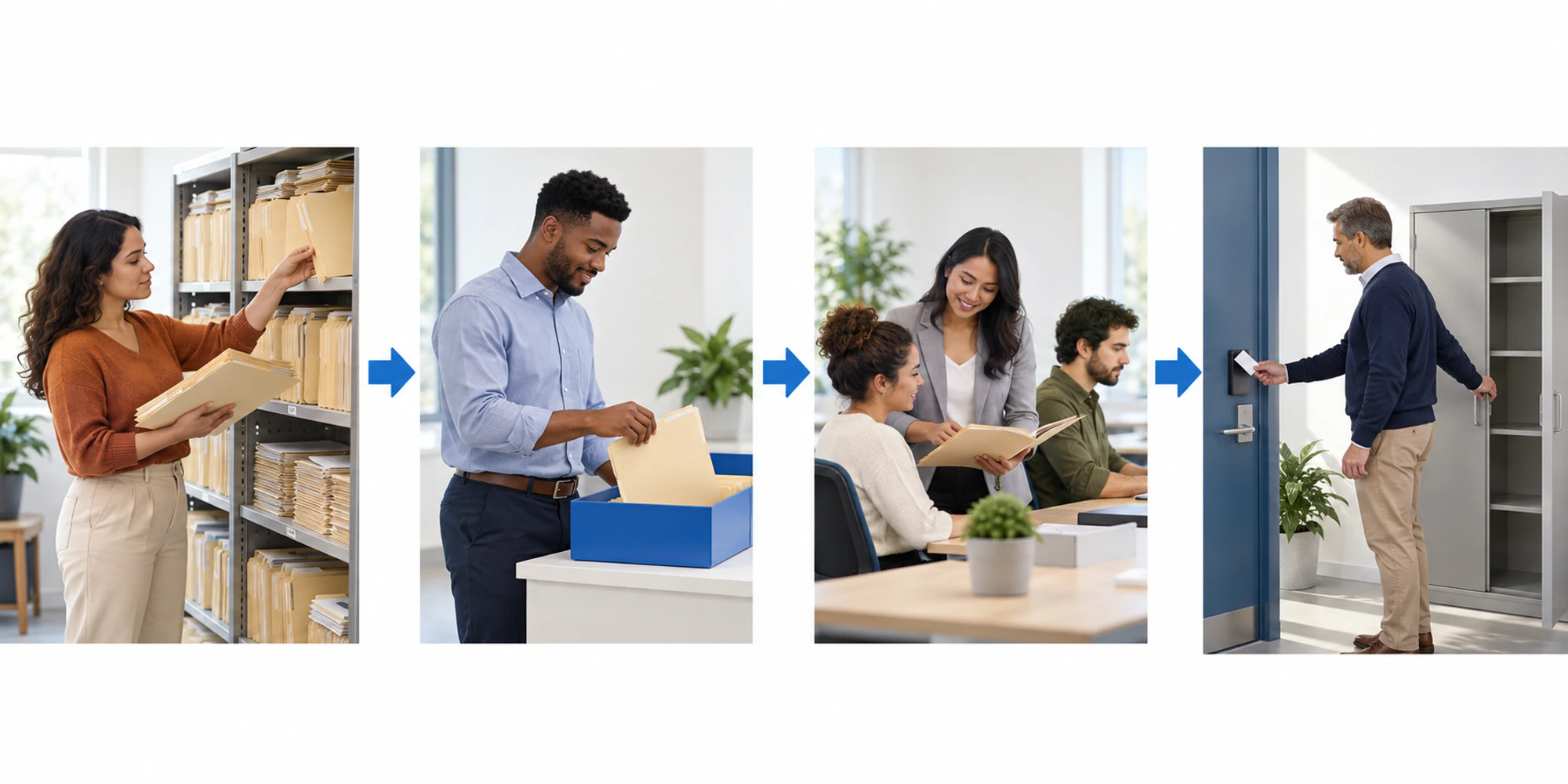
That means you should not demand a pixel-for-pixel copy. Map each old use to the right job.
| Old use | New home | Evidence to collect |
|---|---|---|
| Find assigned work | Inbox | Every test item appears for the correct owner |
| Pick eligible open work | Inbox | The right representative can accept it without seeing restricted work |
| Watch queue pressure and capacity | Real-time analytics | The supervisor can filter the required queues and channels |
| Intervene in an active conversation | Ongoing conversation report | The supervisor can inspect and transfer the test conversation |
The real-time analytics documentation says supervisors can monitor operational measures, review allocation, drill into channels and queues, and inspect ongoing conversations. It also warns that access follows Dataverse permissions. Different totals for two supervisors may therefore be a permissions issue, not a data failure.
Test the boundaries that are easy to miss
Build test cases from actual work, not a perfect demo queue. Include an assigned case, an open conversation, a waiting conversation, a transfer, a restricted queue, and a user who belongs to more than one business unit. Check the inbox operating view and the supervisor view with the exact roles people will use in production.
There is another boundary worth recording. Microsoft's real-time Omnichannel reports do not include entity record channel work items. Entity record queues use the separate real-time analytics for record routing dashboards. If your old routine mixed conversations and routed records in one mental model, name both destinations in the runbook. Otherwise the migration may look complete while one class of work is missing.
Also test a quiet period and a busy period. A clean view with one conversation proves very little. You need to know whether filters, queue membership, time zone, status, and capacity remain understandable when several items change at once.
Run one real shift in parallel
For a limited rehearsal, keep the old dashboard available while representatives use the inbox and supervisors use real-time analytics. Do not compare only totals at the end of the day. Compare decisions as they happen.
When a conversation arrives, confirm its owner and state. When it waits, confirm the supervisor can see the same operational risk. When it transfers, verify the receiving person can act without searching for the item again. When it closes, check that the team's reporting definition still means what people think it means.
Record failures against the responsible layer. A missing item might come from routing, queue membership, an inbox view, or permissions. The assignment guide helps separate ownership from visibility, while the inbox reporting guide keeps metric definitions tied to the process. Fix the layer that failed instead of adding another dashboard.
Retire the old entry points deliberately
Removal should be a controlled step, not the moment somebody notices a bookmark is broken. Update default views, app navigation, job aids, onboarding, supervisor routines, and saved links. Identify any custom dashboard that depended on the old experience and test it separately rather than assuming it inherits the replacement.
Set a short rollback window with a named owner. Rollback here means restoring access while a missing workflow is corrected, not abandoning the migration. Once the evidence shows that daily work, live supervision, restricted access, and exception handling all work, remove the old entry point and close the change record.
Keep the replacement useful after launch
A month later, ask whether people have created workarounds. Personal views, exported spreadsheets, and verbal queue checks often reveal that a requirement was missed. Review those signals before they harden into a second operating system.
The broader lesson applies beyond Dynamics 365. A customer operations automation should have one visible owner, one trustworthy state, and one place to verify the outcome. Replacing a dashboard is successful when people can still make the right decision during a busy shift, not when the new page merely opens.
Frequently Asked Questions
When does support for the old dashboards end
Microsoft says support for the Omnichannel agent and supervisor dashboard experiences ends on December 1, 2026. Plan the rehearsal and retirement before that date.
Is the inbox a complete replacement for supervisors
No. Microsoft recommends the inbox for representatives' daily work and Omnichannel real-time analytics for supervisor monitoring and intervention. Treat them as two connected operating surfaces.
What should we prove before removing the old dashboard
Prove that assigned and open work appears correctly, supervisors can see and act on live exceptions, permissions produce the intended scope, routed records have their own report, and staff can complete a real shift without a hidden workaround.
DripTell Editorial
Practical guidance reviewed by the DripTell product and customer workflow team.
See how DripTell checks product claims, uses primary sources and handles corrections.
Editorial and source policy