Sales Operations

Sales Follow-Up Automation: Build a Next-Action System That Knows When to Stop

Replace rigid reminder cadences with a state-based sales follow-up system that assigns ownership, rechecks permission and stops when the customer journey changes.

By DripTell EditorialPublished August 1, 2026Reading time 8 min readLast reviewed August 6, 2026
Read the article
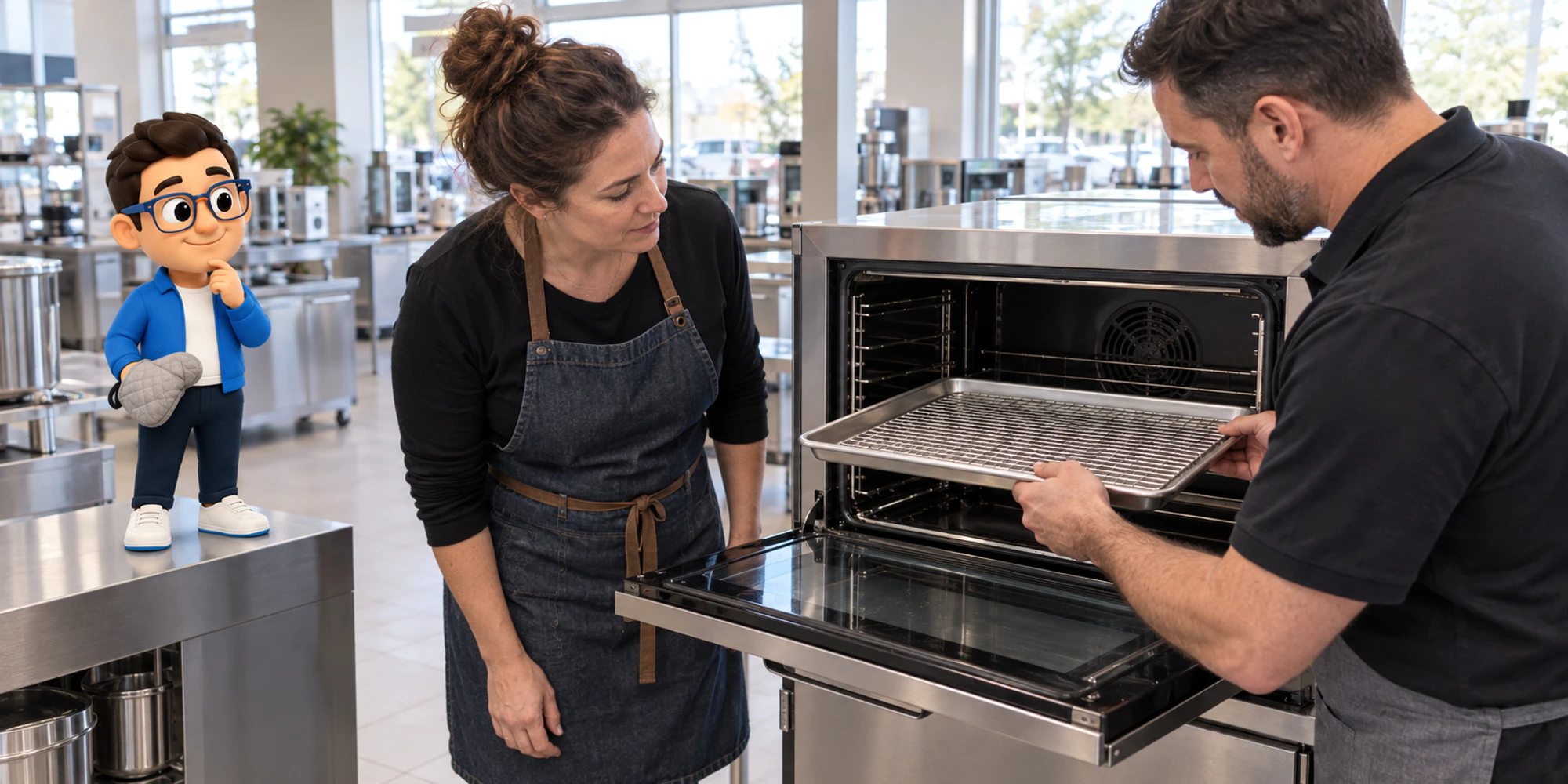
Flooring showroom employee preparing a pale stone sample in a bright real shop

Sales follow-up automation should not mean “send three reminders and hope.” A dependable system always knows what changed, who owns the lead, which next action is useful, and which event must stop the sequence. That is the difference between a cadence and an operating model.

The timing is relevant. Meta’s 2026 Business Agent announcement puts lead qualification, human step-in, guardrails and measurement in the same product conversation. The practical lesson applies even when no AI is involved: automate the state change, not just the message.

This guide gives sales and customer-operations teams a framework they can implement in a CRM, a messaging platform or a workflow builder. It avoids invented conversion promises and focuses on observable work.

What sales follow-up automation should control

A sequence controls elapsed time. A follow-up system controls the relationship. Before it sends anything, it should be able to answer eight questions:

  • Where did this lead come from?
  • What permission and channel rules apply?
  • What did the customer last ask or do?
  • What did the business last promise?
  • Who owns the next action?
  • When is that action due?
  • Has a reply, booking, purchase, handoff or opt-out changed the plan?
  • Which outcome will end this workflow?

Keep those answers on one working record. A useful minimum is source, permission state, lead stage, owner, last meaningful customer action, last business action, next action, due time, active automation and stop reason. DripTell’s CRM and lead model keeps source, stage, owner and conversation context together; the same design principle is useful whichever system you choose.

Microsoft’s 2026 Work Trend Index reported rapid growth in active agents and found that more advanced teams were more likely to document agent workflows, human handoffs and quality standards. The valuable part is not the agent count. It is the discipline of making the work repeatable and reviewable.

Define the state machine before the cadence

Start with states that a salesperson can distinguish on a busy day. A practical set is:

  • New: captured but not yet accepted by an owner.
  • Owned: a named person or team has accepted responsibility.
  • Waiting on business: the customer is owed an answer, quote, sample or decision.
  • Waiting on customer: the promised business action is complete and one useful follow-up may be due.
  • Live conversation: a customer or teammate has replied and automation is paused.
  • Committed: a meeting, fitting, demonstration, order or payment step is booked.
  • Closed: won, lost or no longer relevant, with a reason.
  • Suppressed: communication must not continue on the applicable channel or purpose.

Then define allowed transitions. “Waiting on customer” may move to “live conversation” after a reply, to “committed” after a booking, to “closed” after a clear refusal, or remain in place after one genuinely useful reminder. It should never jump back to “new” because a timer expired.

This is where a visual workflow earns its keep. A journey builder should make the trigger, conditions, owner, delay, channel and exit visible. If an operator cannot explain why a lead received a message, the workflow is not ready.

Put four gates in front of every send

Treat every scheduled message as a proposal that must pass four gates at send time, not only when the sequence begins.

  1. Permission gate. Is this purpose allowed on this channel for this person? For WhatsApp, the current Business Messaging Policy requires opt-in for subsequent business messages, requires businesses to honor opt-outs, limits how businesses initiate conversations, and requires clear escalation paths when automation is used.
  2. Conversation gate. Has the customer replied since this step was scheduled? Has a teammate already answered? If either is true, pause before sending.
  3. Work-state gate. Is the promised quote, answer or sample actually ready? A reminder must not claim progress that has not happened.
  4. Usefulness gate. Does this message add a decision, answer, resource or clear next step? “Just checking in” is not a workflow state.

Evaluate all four gates again immediately before delivery. A lead can change state during a delay. The safest architecture treats the due time as permission to evaluate, not permission to send.

Use a stop-state matrix

Write stop conditions before writing message copy. At minimum, define the following responses:

  • Customer replies: pause the sequence, surface the reply to the owner and preserve the history.
  • Teammate replies: pause automation so the system cannot talk over the live conversation.
  • Meeting or next step is booked: end the current sales sequence and start only the appropriate confirmation workflow.
  • Purchase or contract is completed: close the sales workflow and hand off to onboarding, fulfilment or service.
  • Customer declines: close with a reason; do not translate “not now” into endless reminders.
  • Customer opts out or blocks: suppress the applicable communication promptly and keep evidence of the stop event.
  • Permanent delivery failure or invalid identity: stop retries, flag the record and require a deliberate correction.
  • Ownership changes: pause until the new owner accepts the next action.

This matrix should be visible in workflow review, not buried in copy. DripTell’s drip-marketing model pauses when the customer engages, transfers the history to the owner and measures progress by outcome rather than scheduled-message count. Those are good evaluation criteria for any follow-up platform.

Walk through a real customer journey

Consider a flooring showroom that receives an enquiry from a social message. The customer asks whether a pale stone sample is available for a renovation.

  1. The enquiry creates a lead with its source and permission context. The system records the requested material, not a guessed budget.
  2. A showroom consultant accepts ownership. The lead moves from “new” to “owned,” and the first next action is to confirm stock.
  3. The consultant confirms that a full-size sample is available and offers two appointment windows. The record moves to “waiting on customer.”
  4. A follow-up becomes due the next working day. Before sending, the four gates run again. If the customer replied elsewhere or another teammate booked the visit, nothing is sent.
  5. If there is still no response, the message adds value: it says how long the sample can be held and gives one clear booking choice. It does not invent urgency.
  6. When the customer books, the sales sequence ends. A separate appointment workflow can send the confirmed location and time.
  7. After the visit, the owner records the promised next action—quote, measurement or closure—rather than restarting the original cadence.

Notice what automation did not do. It did not pretend to negotiate, repeat the same sentence, or keep sending after the objective changed. It protected continuity while leaving judgment with the owner. A shared inbox is most useful here when it shows the owner, prior conversation, active automation and next action together.

Measure the system, not message volume

Sent-message totals reward activity, even when that activity creates collisions. Use measures that expose whether the workflow is healthy:

  • percentage of eligible leads with a named owner;
  • time from capture to owner acceptance;
  • time from acceptance to a meaningful first response;
  • percentage of due actions completed on time;
  • replies that arrived before an automated send and correctly stopped it;
  • human-and-automation overlap incidents;
  • stop reasons, including booked, won, declined, opt-out and invalid contact;
  • outcomes by source, workflow version and owner;
  • records with no next action or an overdue next action.

Define “meaningful response” locally. An automatic acknowledgement may confirm receipt, but it is not the same as answering the customer’s question. Do not combine those events in one response-time number.

Review the denominator as carefully as the result. A reply rate based only on delivered messages excludes leads stopped by permission or state checks. Keep “eligible,” “evaluated,” “sent,” “delivered,” “replied” and “completed” separate.

Build the workflow in seven days

Day 1: choose one moment. Pick a narrow workflow such as enquiry-to-appointment, quote-to-decision or missed-call-to-callback. Do not automate the whole pipeline.

Day 2: map states and owners. Name every state, the owner in that state and the one permitted next action.

Day 3: define events. List the signals that can advance, pause, close or suppress the workflow. Include replies from every connected channel that can change the customer story.

Day 4: write stop rules. Test reply, booking, purchase, refusal, opt-out, delivery failure, duplicate identity and ownership-change cases before composing reminders.

Day 5: write the useful message. Each step should answer a likely question or offer a concrete next action. Remove any message whose only purpose is to make the sequence longer.

Day 6: run a shadow test. Evaluate real historical leads without sending. Compare the workflow decision with what an experienced operator would have done.

Day 7: release a small cohort. Monitor every state transition and overlap incident. Keep a rollback path and version the workflow so the team can explain which rules applied.

How to choose a follow-up platform

Ask a vendor to demonstrate one real lead moving through the complete system. A credible platform should show:

  • one customer record across the relevant conversations;
  • explicit ownership and reassignment;
  • event-based stops evaluated at send time;
  • permission and suppression evidence;
  • business-day and time-zone-aware delays;
  • a visible next action after human handoff;
  • outcomes and stop reasons, not only sends and opens;
  • workflow version history and a safe way to pause a faulty sequence.

Bring one actual workflow, five difficult edge cases and your current stop rules to the demonstration. If you want to test this model in DripTell, start with the drip follow-up workflow and map one enquiry from capture to a verified next action. The goal is not more reminders. It is fewer leads with no owner, no next action or no safe stop.

DT

DripTell Editorial

Practical guidance reviewed by the DripTell product and customer workflow team.

See how DripTell checks product claims, uses primary sources and handles corrections.

Editorial and source policy