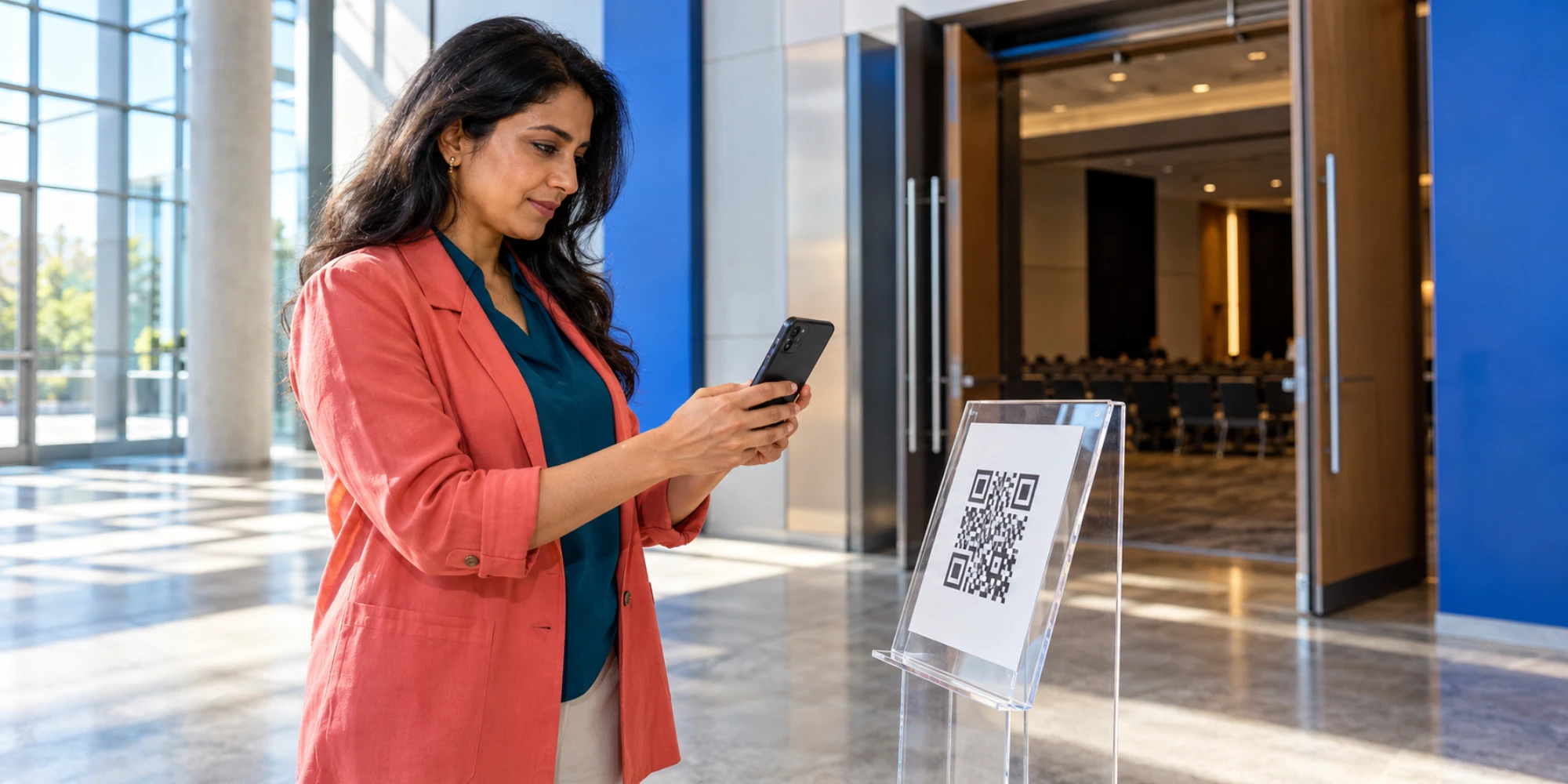
DripTell can distinguish which event, branch or printed placement started a WhatsApp conversation only when each QR code carries a deliberate source signal. A scan is anonymous. An opened WhatsApp screen is not a message, and a message is not a qualified lead. The useful setup connects the signal to one conversation, one owner and one checked outcome.
The free DripTell WhatsApp link generator creates a wa.me link, an optional opening message and a downloadable QR code in the browser. The wider offline lead-capture workflow is setup-dependent: source tags, routing rules and outcome fields must match the placements your team actually uses.
What DripTell can prove today
The generator can create different links or opening messages for a conference stand, a consultation booklet and a branch reception desk. When a person scans one, WhatsApp opens the same click-to-chat destination with the prepared message ready to send. DripTell does not learn who scanned merely because a camera saw the code.
Evidence begins when the customer sends a message into a connected WhatsApp channel. A configured workspace can then keep source, context, assignment and lead state together, so the team compares outcomes by placement instead of calling every scan a lead.
Separate the evidence into four events
Agree what each stage means before printing anything. Otherwise the campaign report will mix attention with customer action.
| Event | Evidence to keep | What it does not prove |
|---|---|---|
| QR scan | Analytics from the QR or surrounding campaign, if configured | A known person or sent message |
| Chat opened | Click-to-chat destination loaded | The customer pressed send |
| Message received | Inbound WhatsApp message with a placement signal | Qualification or purchase intent |
| Outcome checked | Named owner records a valid next step or result | Revenue caused by the QR code |
Give every placement a distinct entry signal
Use one human-readable phrase or controlled source value per placement. “Question from October adviser forum” is more useful than “Hello”; a long technical stand code is too brittle.
Keep the message editable and free of personal or confidential information because URLs can be copied or logged. Store the stable campaign, location and offer fields in the DripTell CRM record after the message arrives. Do not ask an adviser to reconstruct the source later from memory.
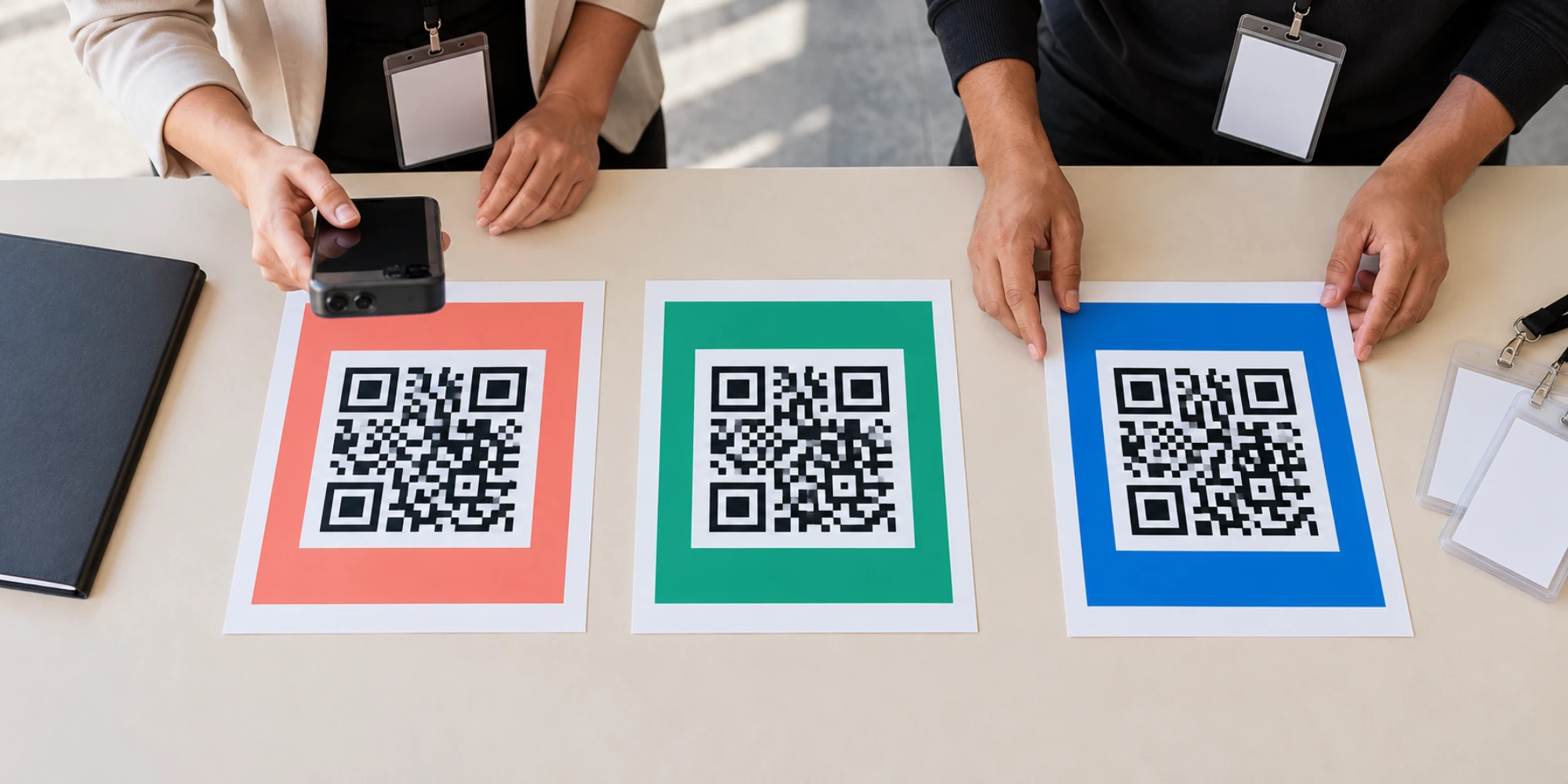
If several codes use the same number, test that each signal survives the real path. A coloured border on the poster helps production staff, but it does not create digital attribution by itself.
Run a proof test with three placements
Choose three materially different placements before a large print run: for example, an event welcome board, a workshop handout and a reception card. Generate each link, label the intended source internally and scan it with a phone that has not saved the business number.
Confirm that the correct number opens, the intended message appears, the sent message reaches the shared inbox, the owner or fallback receives it, and the source remains visible. Close one test as unsuitable, progress one to a consultation and leave one awaiting a reply. Reporting should preserve those outcomes.
Test outside working hours too. DripTell automation can support acknowledgement and routing when configured, but it should not pretend a consultant is available or mark an enquiry qualified without the required facts.
Keep permission separate from attribution
A customer sending the prepared message gives the team a live enquiry to answer. It does not create unlimited permission for future promotions. The WhatsApp Business Messaging Policy still requires appropriate permission and respect for stop requests.
State what scanning will do beside the code. If the promise is “Ask about this workshop”, answer that request first. Record promotional consent separately, and do not hide it inside a prize draw or vague sign-up claim. Attribution should explain where the conversation began, not broaden what the business may send.
Decide whether the setup is worth using
Ask for a DripTell walkthrough using one real placement. Verify the source field, duplicate handling, owner fallback and outcome definition. Scan analytics may come from the QR service, while revenue needs an authoritative sales record.
Use the setup to stop funding anonymous attention and invest in owned, qualified conversations. Start with three codes, prove the evidence chain, then scale.
Frequently Asked Questions
Does scanning a WhatsApp QR code create a lead in DripTell
No. A scan or opened chat is not a received message. The customer must send the message before DripTell can receive and route the conversation.
Can several QR codes use the same WhatsApp number
Yes. Give each placement a distinct, tested entry signal so the team can separate their conversations without changing the destination number.
Does the DripTell generator store the phone number or message
The live generator states that the number and message stay in the browser and are not stored by DripTell during link creation.
Can DripTell prove that a QR code produced revenue
Not from a scan or message alone. Connect a checked sales outcome from the authoritative business record before making a revenue-attribution claim.
Want help applying this guide?Ask the DripTell team
From reading to action
Want help applying this to your business?
Share your details. We will read the article you are on and start with a useful answer for your team.
DripTell Editorial
Practical guidance reviewed by the DripTell product and customer workflow team.
See how DripTell checks product claims, uses primary sources and handles corrections.
Editorial and source policy