





The WhatsApp customer service window sounds like a simple countdown. In practice, teams mix up when the timer starts, which message is allowed, what it costs, and who owns the customer's need. Treat the window as a messaging boundary, not permission to forget the conversation.
When the window opens and resets
Under the current WhatsApp Business Messaging Policy, a user message opens a 24 hour customer service window. Every new user message resets that window. While it is open, a business may reply without using an approved message template. After it closes, the business may initiate the next message only with an approved template.
The timer follows the customer's last message, not the first case message or the agent's latest reply. A later customer message starts a new 24 hour period.
The timer is a platform fact. An unresolved delivery, booking, or support request does not become complete because 24 hours passed.
That distinction matters across weekends and shift changes. Record the last customer message inside the case, not in a private reminder, so the next owner can see both the remaining need and the permitted message format before deciding what to send.
What the timer changes
The window changes the format of the next business message. It does not decide whether that message is useful, expected, lawful, or owned.
- 1Open windowReply without a template while confirming the need, owner and next checkpoint.
- 2Nearly closedSend a useful update or complete an accepted handoff instead of an empty check-in.
- 3Closed windowUse an approved template only when the purpose, permission, facts and reply owner support it.
| State | What the team may do | What the team still has to decide |
|---|---|---|
| Open | Continue the service conversation with non-template replies | Confirm the need, owner, next action, and promised checkpoint |
| Nearly closed | Send a useful reply while the window remains open | Avoid empty messages sent only to keep activity alive |
| Closed | Use an approved template if a further business-initiated message is justified | Check permission, purpose, current facts, and reply ownership |
| Customer replies again | Continue inside a newly reset window | Re-read the latest request instead of resuming stale automation |
Do not send an empty “just checking” message to beat the clock. Share a verified fact, a clear question, or a truthful checkpoint. The WhatsApp opt in guide explains why one service chat is not permission for future marketing.
Keep ownership before the clock closes
Before the window closes, record the unresolved need, last verified fact, accountable owner, next action, and next honest update time.
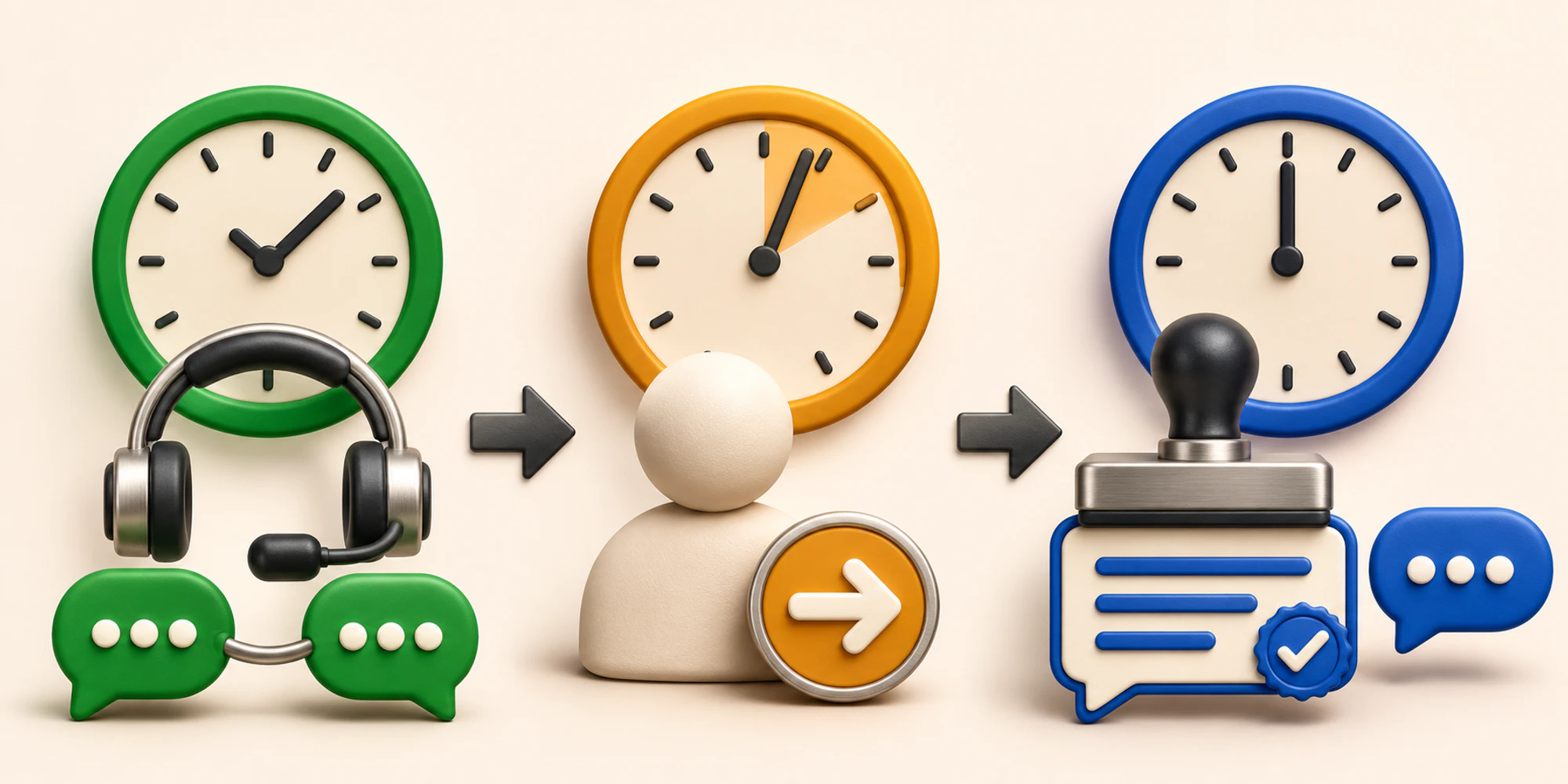
If another shift must continue, require the recipient to accept the conversation. The human handoff guide shows how to preserve context and a direct route to a person.
A shared customer inbox can keep the conversation, owner, and next action together. It does not control Meta's timer or approve a template. Those remain separate platform and governance decisions.
Decide whether a closed window needs another message
After closure, ask whether the customer still awaits something promised. If not, do not reopen contact just because an approved template exists.
For a needed follow-up, confirm expectation, approved purpose, current variables, and a named reply owner who can stop obsolete steps.
An approved template is not proof that the complete journey works. Use the approved template test to verify rendering, delivery evidence, reply routing, and stop rules before wider use.
Separate the window from the bill
The timer and price are different rules. Meta's current business messaging FAQ says that from 1 October 2026, service messages are charged after the first 1,000 delivered service messages per business phone number each month. Other categories vary by market and category.
Meta's general pricing page still says service messages and utility messages sent in response to users are not charged. Because these official surfaces conflict, check the account's current price list, invoice, itemized charge records, and provider contract. The WhatsApp API pricing guide keeps Meta, provider, and operating costs separate.
Measure the operating result
Review whether the customer received a useful answer, the need kept one owner, post-window templates were justified, and replies stopped outdated automation.
For outbound work, measure delivery, reply, and business outcome separately. For automations that cross the timer boundary, test the complete path with the WhatsApp automation launch plan.
Frequently Asked Questions
Does an agent reply reset the WhatsApp window
No. The current policy says the window opens and resets with each user message. A business reply does not create a fresh 24 hours by itself.
Can a business message after the window closes
Yes, when an approved message template is used and the contact, purpose, permission, and applicable rules support the message. The next customer reply opens a new service window.
Does the open window mean every message is free
Do not assume that. Meta's dated FAQ describes service-message charging after a monthly free tier from 1 October 2026, while another current Meta pricing page still carries conflicting wording. Verify the current rate card and invoice for the business account.
Want help applying this guide?Ask the DripTell team
From reading to action
Want help applying this to your business?
Share your details. We will read the article you are on and start with a useful answer for your team.
DripTell Editorial
Practical guidance reviewed by the DripTell product and customer workflow team.
See how DripTell checks product claims, uses primary sources and handles corrections.
Editorial and source policy