
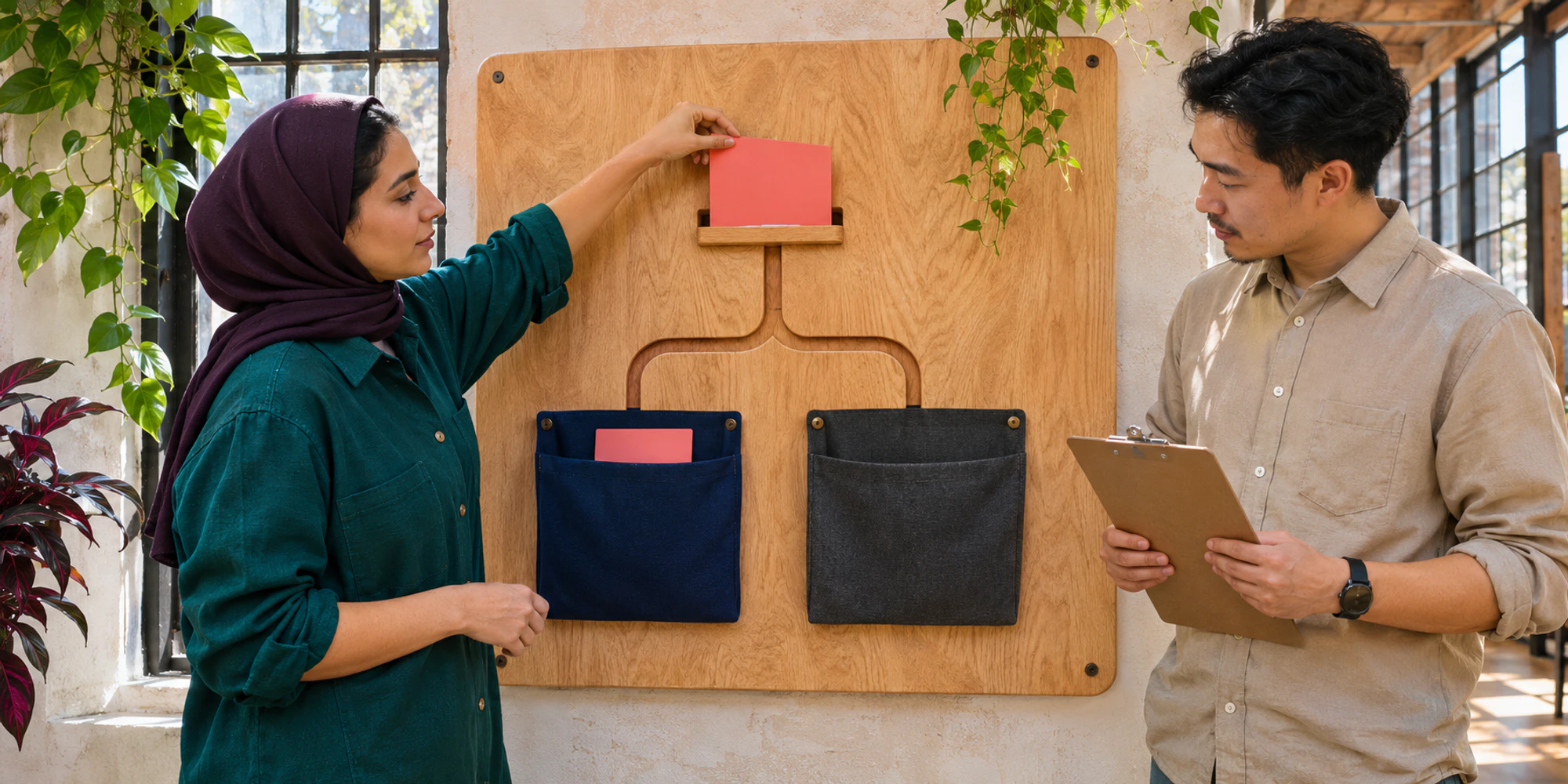
Connecting two tools to one Facebook Page does not mean both should answer. Without a clear route, one app may receive the customer while two automations prepare replies.
Facebook Messenger conversation routing decides which connected app receives a conversation. It differs from assigning that conversation after it reaches an inbox. Configure the Page route first, then test the internal owner.
Map every connected app before changing the route
List connected apps and the entry points each should handle. Include Meta Business Suite, a shared inbox, a chatbot, an ad tool and older integrations with access.
Record each app's purpose, administrator and active automations. Check whether a campaign or support process still depends on it.
The Messenger connection guide covers ownership, access and delivery. Routing adds one question: which authorised app receives the next conversation?
Separate the default app from entry point routes
Meta's current Conversation Routing documentation describes coordinated handling when multiple messaging applications are connected to a Page. The routing decision can depend on where the conversation started, such as an ad, link or ordinary Page message.
- 1Map the appsRecord purpose, administrator and active automation.
- 2Set the defaultChoose the safe receiver for unmatched conversations.
- 3Define entry pointsDocument only deliberate routing exceptions.
- 4Test deliveryCompare expected and actual receiving applications.
- 5Assign the ownerProve one person and a clean automation stop.
Choose a default app for unmatched conversations and document exceptions. An ad may need its intended automation, while an organic support question may belong in the main inbox.
This is not choosing a department. The Page route selects the application; its rules can then assign by language, branch or availability. The Messenger automation guide explains when a workflow, AI or person should respond.
| Control | Decision it makes | Proof to retain |
|---|---|---|
| Connected app access | Which tools may work with the Page | Page ID, app name and administrator |
| Default routing app | Which app receives unmatched conversations | Saved Page setting and test result |
| Entry-point route | Which app handles a defined origin | Entry point, expected app and test message |
| Inbox assignment | Which team or person owns the reply | Queue, owner and acceptance time |
| Automation stop | Which automated action must pause | Stop event and event history |
Configure the route from the Page you actually use
Start from the intended Facebook Page, not from a similarly named test Page. Meta's current setup help directs Page administrators to the conversation-routing controls in Page settings and to select Messenger before configuring the route.

Verify the Page name and ID, review apps, set the default and save one exception at a time. Use Meta's current instructions.
DripTell can receive supported Messenger conversations in the shared customer workspace when the Page is connected correctly. It does not make the Page-level routing decision for you. A Page administrator must verify the current Meta setting and the real delivery path.
Run an entry point acceptance test
Do not stop at a saved setting. Test the Page message button, an organic link, a live ad path where available and any comment-to-message process.
Record the entry point, expected app, actual receiver, first automation and final human owner. Use test identities without private customer data.
The result should be one accountable path. If the wrong app receives the message, inspect the route before rebuilding the inbox. If two replies appear, preserve the history. The duplicate-journey guide helps identify retries or campaign collisions.
Test the handoff inside the receiving app
Once the correct app receives the conversation, assign one visible person. A Page route does not prevent two teammates from drafting. The agent-collision guide covers active work and accepted handoffs.
Also test that automation pauses when a person takes over. Keep the customer's original message, source and previous automated answer visible in the shared inbox. A routing test is incomplete if delivery succeeds but the conversation remains unowned.
Monitor changes that can break routing
Recheck after connecting a tool, changing access, refreshing permissions or launching an entry point. Record the Page ID, apps, default route, exceptions, owners and last successful tests.
Audit outcomes, not only settings. Watch for wrong-app delivery, missing conversations, duplicate replies, thread-owner errors and unassigned work. The routing audit guide covers internal rules after the Page route is proven.
Frequently Asked Questions
Is conversation routing the same as assigning a Messenger chat to a team
No. Conversation routing chooses which connected application receives the conversation. Team or agent assignment happens inside the selected application.
What should be the default Messenger app
Use the app that should safely receive conversations without a specific entry-point rule. Choose from the operating design and prove it with test messages; do not select by brand familiarity alone.
How do we know the setup is working
Test every important entry point and retain the expected app, actual receiver, automation behavior, human owner and visible customer reply. A saved setting without end-to-end delivery evidence is not enough.
Want help applying this guide?Ask the DripTell team
From reading to action
Want help applying this to your business?
Share your details. We will read the article you are on and start with a useful answer for your team.
DripTell Editorial
Practical guidance reviewed by the DripTell product and customer workflow team.
See how DripTell checks product claims, uses primary sources and handles corrections.
Editorial and source policy