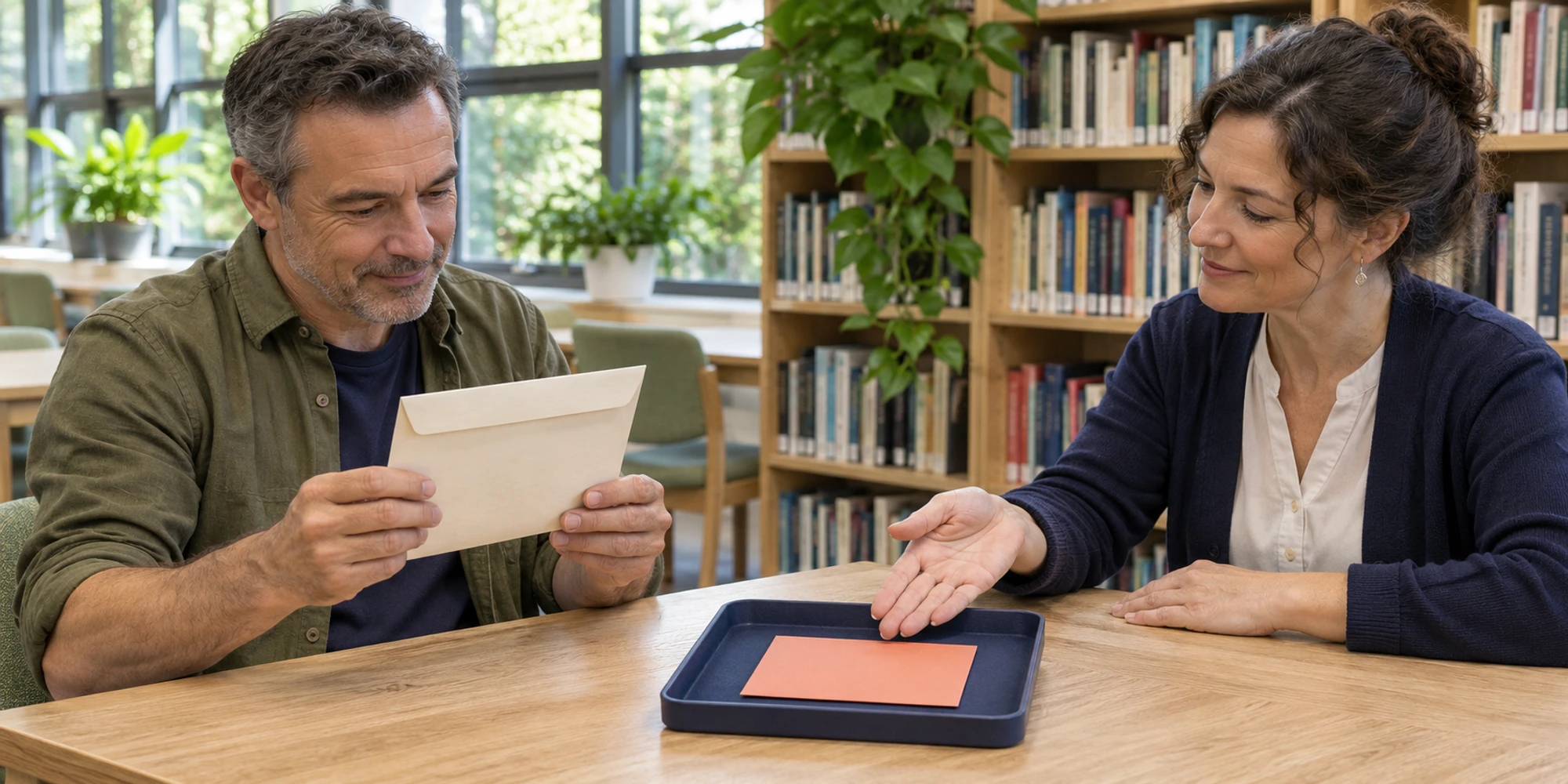

Teams often start with customer conversations on individual WhatsApp numbers. The problem appears when a viewing, quote or support promise is visible only to one employee. Moving to a company inbox changes where new conversations begin and unfinished work is owned.
The safe goal is simple. Personal conversations remain private, business commitments receive an accepting owner, and customers get one company route that the team can continue even when someone is away.
Decide what is moving
Separate three things. A phone number is a contact route. Chat history is held in a particular account or device. An open commitment is business work that still needs an answer, document, viewing, quote or follow-up.
Do not ask employees to copy their whole address book or private WhatsApp history into company software. WhatsApp's current Business app guidance says keeping business and personal contacts and devices separate helps prevent misuse of either kind of data. Inventory only the business work the organization is authorized to retain.
For each open item, record the customer, agreed action, source system, due point and accepting owner. The CRM record should hold the facts needed later, not every personal message.
Make the company route work first
Choose a number the company controls, then verify its exact supported setup before telling customers to use it. The coexistence checklist helps teams test number eligibility, supported app features and history scope instead of assuming every number follows the same path.
- 1TestRun one conversation.
- 2TransferRecord accepted commitments.
- 3RetireStop personal routing.
Linked devices and a team inbox solve different problems. WhatsApp currently allows a Business app account on up to four linked devices and requires periodic use of the primary phone. That may suit a small team. A shared WhatsApp inbox adds named ownership, statuses, internal notes and customer context around a supported connection.
Before cutover, use one test customer. Assign the conversation, add a private note, transfer it and confirm the next person sees the agreed action. Review conversation access so agents reach needed work without seeing unrelated records.
Transfer current commitments not private chats
An old personal chat may contain family messages, unrelated contacts or details the company should not collect. Leave that history where it belongs. Create a minimal business handover beside the authorized customer record.

The handover answers six questions: who is the customer, what was promised, what evidence supports it, which system is authoritative, who accepted the next action and when will the customer hear back? Missing answers keep the item on the exception list.
For a property team, “send the tenancy form by Tuesday” is a transferable commitment. The employee's complete personal chat archive is not. The same applies to a service quote, course enquiry or delivery exception.
Run the cutover in stages
Use a short transition window. Update website, email, listing and social links so new enquiries enter the company route. Then tell active customers through an authorized path where the next reply will come from. An existing service conversation is not unlimited marketing permission.
| Cutover checkpoint | Evidence before proceeding | Hold if missing |
|---|---|---|
| Company route | Number and supported connection tested | Keep public links unchanged |
| Open work | Each commitment has a due point | Add it to the exception list |
| New owner | One person accepts the next action | Do not mark the handover complete |
| Customer route | Customer knows where to continue | Keep the old route monitored |
| Retirement | No new work enters personal numbers | Extend the transition window |
During the window, check the unassigned queue and look for duplicate replies. The practical test from the duplicate reply guide is whether everyone can see who owns the next answer before sending.
Close personal routes and inspect
Set a retirement date for business use of personal numbers. After it, staff direct enquiries to the company route without continuing work in parallel. Remove old numbers from listings, signatures, campaign assets and saved templates.
After one operating cycle, search for unanswered company conversations, follow-ups with no owner and customers still using an old number. If an employee leaves, use the departure handover before access ends.
Success is not “all old chats were imported.” The company route works, commitments have accepting owners, personal data stays outside the workspace and no customer loses the next action.
Frequently asked questions
Can old personal WhatsApp chats be imported into the company inbox
Do not assume so. History scope depends on the exact account and onboarding path. Treat old personal chats as a privacy and records issue, and transfer only the authorized business facts needed to continue the work.
Is a linked device the same as a shared inbox
No. Linked devices extend access to one WhatsApp account. A team inbox adds an operating layer for ownership, notes, statuses, roles and connected customer context.
Should every customer receive a migration message
No. Prioritize active customers and open commitments, use an authorized contact path and keep the message limited to service continuity. A route change does not create new promotional permission.
Want help applying this guide?Ask the DripTell team
From reading to action
Want help applying this to your business?
Share your details. We will read the article you are on and start with a useful answer for your team.
DripTell Editorial
Practical guidance reviewed by the DripTell product and customer workflow team.
See how DripTell checks product claims, uses primary sources and handles corrections.
Editorial and source policy