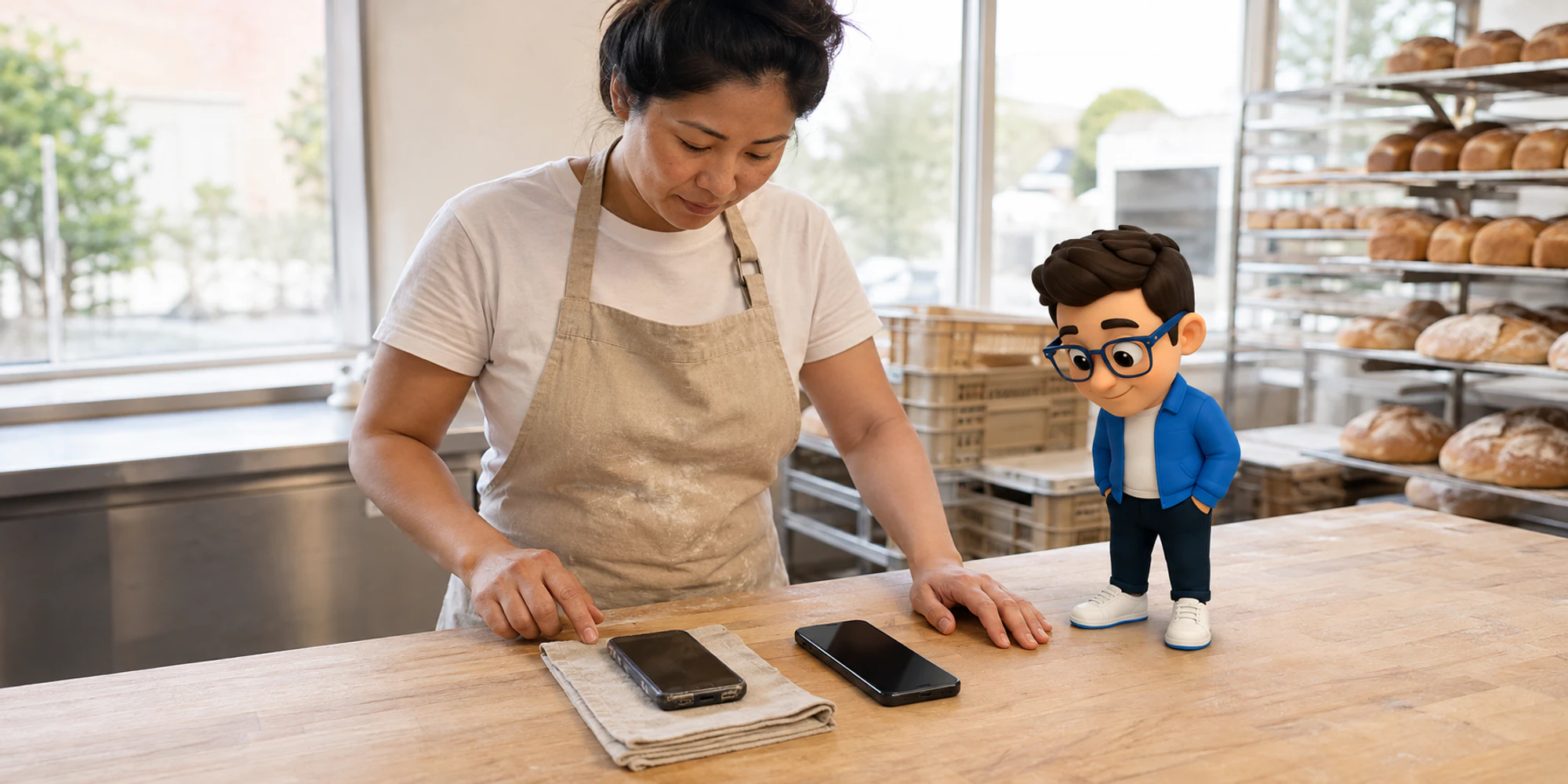
An old phone can be easy to ignore when it still receives messages. That changes when the phone carries the number customers use to reach your business.
WhatsApp says that from September 8, 2026, it will support Android 6 and newer. Android 5.0 and 5.1 devices fall below that line. It also says that from November 30, 2026, iPhones will need iOS 15.5 or newer. If your primary business phone is below either threshold, do not wait for it to fail during a busy morning. Update it if the manufacturer still offers a supported release. Otherwise, prepare a replacement and test the whole account path before the date arrives.
This is a device continuity issue, not a reason to change every WhatsApp system. The first job is to identify which phone is actually primary and how the business uses it.
Find the phone that matters
A team may see the same WhatsApp conversations on a phone, a browser, a desktop app and a tablet. Those devices do not all have the same role. WhatsApp's supported operating systems page applies the Android and iOS thresholds to phones. The Help Center also says a phone must be able to receive an SMS or call when a number is registered.
- 1Map the accountRecord whether the number uses the Business app, the Platform, or both.
- 2Find the primary phoneSeparate the registered phone from browsers, desktops, tablets, and companion devices.
- 3Check the full versionCompare Android or iOS with the announced date and available official update.
- 4Choose the safe pathUpdate a supported phone or prepare a company-controlled replacement.
- 5Prove the serviceRegister, relink approved devices, receive a message, assign it, and reply.
For a business using the WhatsApp Business app, find the phone on which the account was registered. Do not assume that the laptop used by the service team is the primary device. If the team uses the Business App and Business Platform together, record that relationship too. A device cutoff does not, by itself, announce a Business Platform API shutdown.
Write down the phone owner, number, operating system and linked work devices. This prevents a common mistake where everyone knows the shared number but nobody owns the physical phone.
Check the operating system and the upgrade path
Open the phone's system settings and find the operating system version. Menu names differ by manufacturer, so use the phone maker's instructions if the version is not obvious. Record the full version rather than writing only Android or iPhone.

The decision is simple:
- An Android phone on version 6 or newer is above the announced September threshold.
- An Android phone on version 5.0 or 5.1 needs a supported system update or a replacement before September 8.
- An iPhone on iOS 15.5 or newer is above the announced November threshold.
- An iPhone on iOS 15.1 through 15.4 needs attention before November 30.
Being above the minimum is not the same as having a healthy device. Check updates, battery, connectivity and the current WhatsApp release.
| Device role | What to verify | Risk if missed | Practical next action |
|---|---|---|---|
| Primary Business App phone | Full Android or iOS version and update availability | Registration or relinking work may be interrupted | Update safely or prepare a replacement |
| Linked browser or desktop | Account name, user and last successful access | Staff discover lost access during service hours | List the user and plan a relink test |
| Companion phone or tablet | Whether it is linked rather than primary | The team replaces the wrong device | Confirm its role from the primary phone |
| Business Platform integration | Whether the app is also used on the same number | A phone notice is mistaken for an API change | Map app, platform and provider ownership separately |
Move the account without improvising
If the current phone cannot reach the supported version, choose the replacement before the deadline. Confirm it can receive the number's verification SMS or call. Make sure the business, not a departing employee, controls the device, number, recovery details and purchase record.
Use WhatsApp's current transfer or restore instructions for the exact old and new phone combination. Do not use unofficial apps or assume that a backup exists. Check the last successful backup, what history the business may retain and who can authorize the move. Sensitive chats deserve the access and retention care described in a WhatsApp account security review.
Choose a quiet window and give one person ownership. Tell the service team where urgent requests should go and when normal replies should resume.
Relink work devices and prove the service
Linked devices do not permanently replace a primary phone. WhatsApp's page about linked devices on the Business app says the phone may remain offline, yet linked devices log out if it is unused for more than 14 days. The phone is still required for registration and new links.
After the move, relink only approved work devices. Remove any device the team no longer recognizes. Then run a real two-way test from a separate customer number:
- Send a message to the business number.
- Confirm it reaches the expected WhatsApp channel or shared inbox.
- Assign the conversation and send a reply.
- Confirm the customer receives it and the history remains understandable.
- Check that the person responsible for the primary phone can still open it and review linked devices.
The test matters more than a screenshot. Customers care that the business can still receive, own and answer the conversation.
Keep a small device continuity record
This cutoff is a useful reason to make device ownership less fragile. Keep a short record with the primary phone, operating system, account owner, number owner, approved linked devices, last test date and replacement route. Store it with appropriate security controls, not in a public spreadsheet.
Review the record when a phone, employee, provider or account model changes. If the account model is unclear, start with the Business App and API comparison. The right response may be an update, replacement, relink test or no change.
For most teams, the deadline means one careful check and a short test. The risk is discovering too late that everyone depended on the oldest phone in the office.
Frequently Asked Questions
Will WhatsApp stop working on Android 5 in September 2026
WhatsApp says that from September 8, 2026, only Android 6 and newer will be supported. A phone on Android 5.0 or 5.1 needs a supported system update or replacement.
Does the cutoff apply to linked laptops and tablets
The announced thresholds concern phone operating systems. Linked devices have their own requirements, but the primary phone still matters for registration and new device linking.
Does this mean the WhatsApp Business Platform API is shutting down
No such shutdown is stated in the device notice. Map whether the number uses the Business App, the Business Platform or both before deciding what must change.
What should a business test after replacing the phone
Test registration, approved linked devices, an inbound message, assignment, a reply, customer receipt and access to the conversation history needed by the team.
Want help applying this guide?Ask the DripTell team
From reading to action
Want help applying this to your business?
Share your details. We will read the article you are on and start with a useful answer for your team.
DripTell Editorial
Practical guidance reviewed by the DripTell product and customer workflow team.
See how DripTell checks product claims, uses primary sources and handles corrections.
Editorial and source policy