





A maintenance visit is not ready because someone replied “we are checking.” It is ready when the repair need is clear, access is authorised, an arrival window is accepted, the attending person knows the scope, and somebody owns the next tenant update. Without that, the technician may arrive without access.
Coordinate one visit without turning a chat acknowledgement into a false booking confirmation.
Start with a visit ready definition
Before confirming, record the property, observable problem, policy-based urgency, access conditions, arrival window, provider and next update owner.
Do not diagnose from a message. “Water appears beneath the kitchen sink when the tap runs” is useful evidence. “The pipe must be replaced” is an unverified conclusion unless an authorised professional has assessed it.
The UAE official leasing guide explains that tenancy contracts are registered with the relevant authority in each emirate and lists local dispute routes. Check the agreement and approved process instead of giving legal advice in chat.
Capture the repair request once
Record what the tenant observes, when it started, the affected place, any immediate safety concern and a contact method. Request an image only when useful and safe. Avoid identity documents or unrelated household details.
- 1IssueThe observable problem and affected place are clear.
- 2AccessTenant permission and building procedure are recorded.
- 3ArrivalThe provider accepted a local date and time window.
- 4ScopeThe current job note and known limits reached the provider.
- 5UpdateA named person owns the next tenant message and due time.
Link the conversation to one maintenance reference. The real estate messaging guide explains conversation ownership, while the maintenance record remains authoritative for physical work.
| Checkpoint | Evidence needed | Owner before confirmation |
|---|---|---|
| Issue | Observable symptom and affected location | Conversation owner |
| Access | Tenant permission and any building procedure | Property coordinator |
| Arrival | Accepted window and provider acknowledgement | Scheduling owner |
| Scope | Current job note and known limits | Maintenance provider |
| Update | Next tenant message and due time | Named team member |
Make access and arrival explicit
“Tomorrow morning” is not enough. Offer a realistic window with the local date and time zone. State whether the tenant must be present, whether building access needs registration and who may enter. Never reuse permission from an earlier visit.
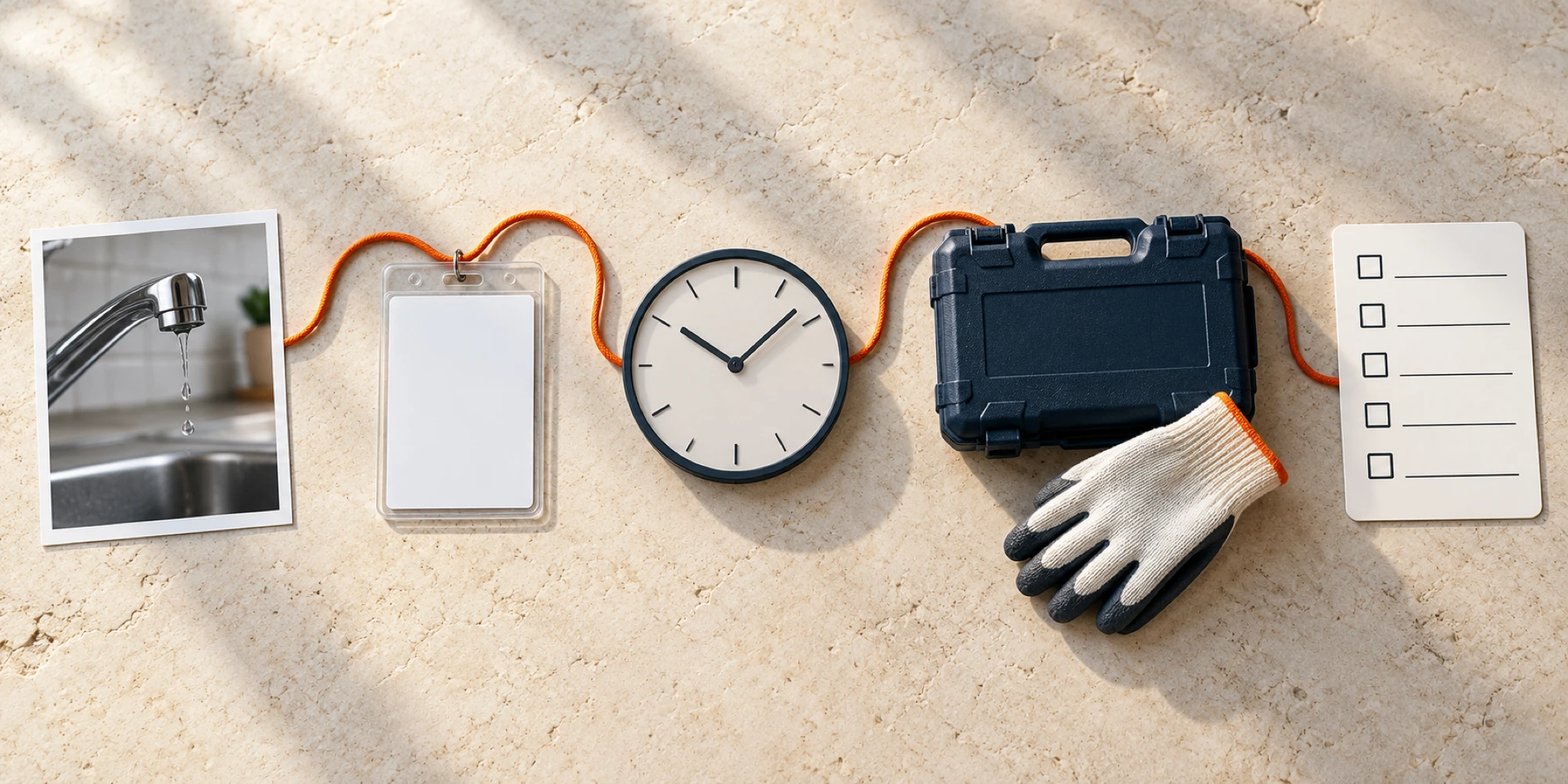
Ask the provider to acknowledge the property reference, arrival window and scope. Only then tell the tenant the visit is confirmed. If something is missing, say “awaiting contractor confirmation” or “access details required.”
As when routing a property enquiry to the right listing, keep the property identity visible so the conversation cannot drift to another unit.
Keep the two records connected
The tenant conversation captures the report, permissions and promised updates. The maintenance system holds the work order, provider, technical findings, approvals and completion evidence.
A configured shared inbox can show ownership, assignments and private notes. A verified API or webhook may connect an external system. DripTell is not the authority for access, diagnosis or completion.
Cross-reference the two records where policy allows, but do not copy every message into both. The case note guide preserves evidence, action, owner and next check without duplicating the transcript.
Use truthful visit states
- Report received means the issue is recorded but no visit is promised.
- Awaiting access means the team needs tenant or building permission.
- Awaiting provider means the requested window is not yet accepted.
- Confirmed means access, provider and window are aligned.
- Attending means the provider has arrived or checked in through the approved process.
- Follow up required means the visit ended but the outcome or next action is still open.
Hand over without resetting the tenant
If ownership changes, transfer the maintenance reference, confirmed facts, live promise, due time and next action. The incoming owner should acknowledge it. The shift handover guide provides a compact pattern.
Send only material updates such as a confirmed window, access change, delay, arrival or next step. Internal reassignment usually does not matter to the tenant.
Close on the outcome
A technician leaving is not automatically resolution. Record what was observed, what was done, whether more work or approval is needed, and any safe tenant instruction. Then send a plain-language update without inventing a diagnosis.
Close only when the defined outcome is complete or the next stage has a new owner and checkpoint. The conversation closure guide helps distinguish a sent reply from a completed result.
Review missed windows, repeated requests, access failures, unowned follow-ups and visits without an outcome. These measures reveal gaps, not causality.
Frequently Asked Questions
When is a tenant maintenance visit confirmed
It is confirmed when the issue reference, access permission, provider acknowledgement and local arrival window are aligned, with a named owner for the next tenant update.
Should the tenant conversation replace the work order
No. The conversation carries questions, permissions and updates. The authorised maintenance or property system remains the record for scope, technical findings, approvals and completion.
What if the technician cannot attend the agreed window
Move the visit back to an honest unconfirmed state, explain the change promptly, offer a new realistic window, and record who owns the next update. Do not leave the old confirmation visible as if it still applies.
Want help applying this guide?Ask the DripTell team
From reading to action
Want help applying this to your business?
Share your details. We will read the article you are on and start with a useful answer for your team.
DripTell Editorial
Practical guidance reviewed by the DripTell product and customer workflow team.
See how DripTell checks product claims, uses primary sources and handles corrections.
Editorial and source policy