

Seeing an old WhatsApp conversation in a new workspace does not prove that an API follow-up is ready to send. Cloud API connects business software to WhatsApp messaging. History helps a teammate understand the customer. Sending also requires the correct contact, a current messaging state and a useful reason to continue.
During coexistence onboarding, separate these checks before turning on reminders. Otherwise, a successful import can be mistaken for a new enquiry, and customers can receive messages about work that finished months ago.
Define what the history is for
Start with the questions staff need the earlier conversation to answer. Was a quotation accepted? Did someone promise a callback? Is the delivery problem still unresolved? A transcript is useful when it supplies that context. Include those requirements in the coexistence preparation checklist.
Meta's onboarding documentation allows shared individual chat history from the preceding 180 days. Group chats are excluded. Media asset identifiers follow separately only for media sent within 14 days of onboarding. Confirm what your provider actually implements before promising attachment availability.
Meta also gives the provider 24 hours after onboarding to synchronize history. This setup deadline is separate from the customer's service window. Record both checks in the acceptance plan.
Keep original time separate from import time
Consider a hypothetical enquiry sent in September and imported into a workspace in November. A recent import timestamp describes when the workspace received the record. Staff still need the original message time to understand the conversation.
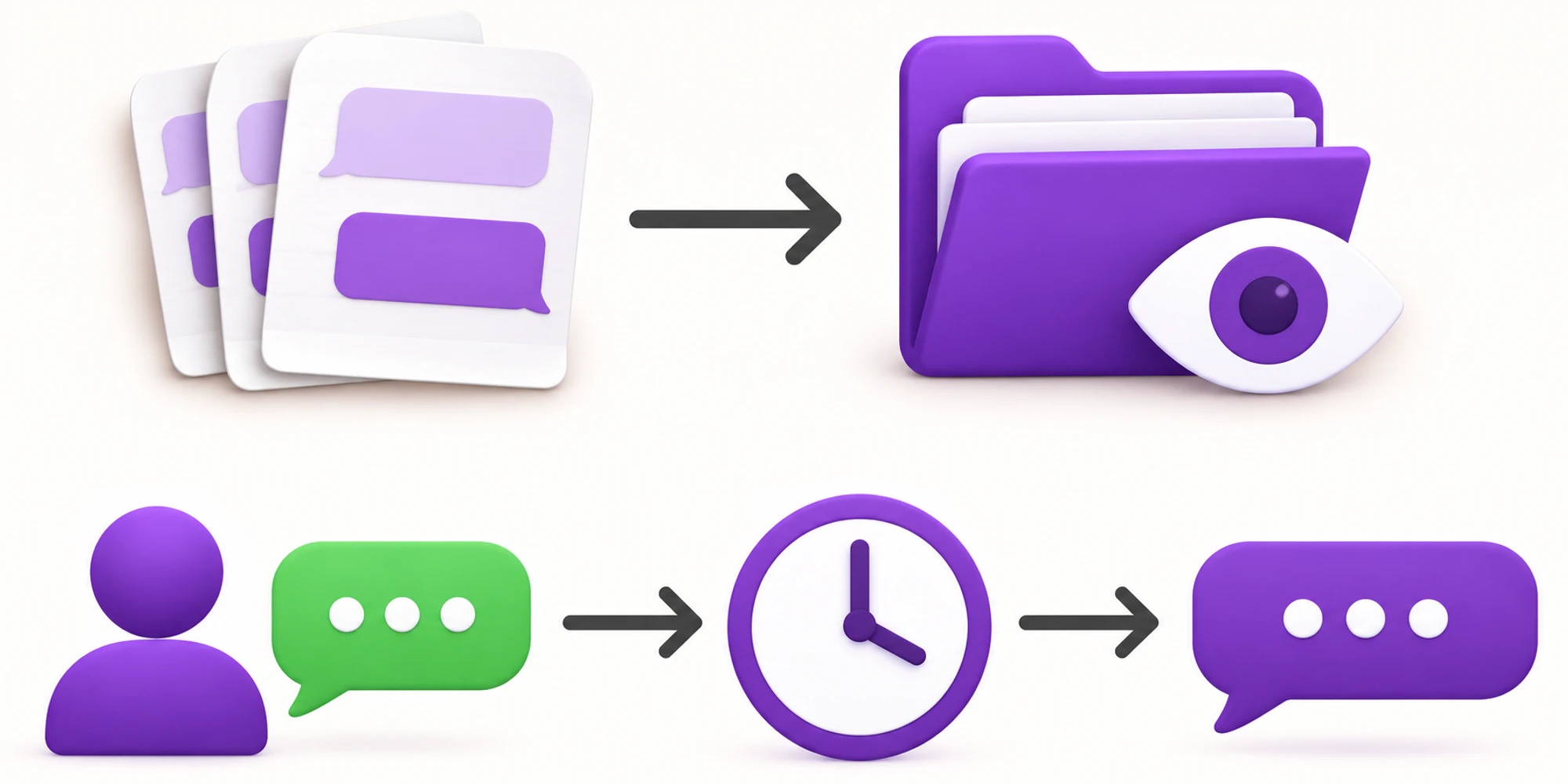
- ScopeConfirm what the connection actually imports.
- OriginKeep original time and direction visible.
- ReadinessAssess current purpose and sending state separately.
Meta opens the API window when a customer messages after Cloud API onboarding. Importing an earlier message does not open it. Assess the customer service window from qualifying activity, not the date a record appeared in an inbox.
Keep the message's origin visible too. A historical customer message, a current customer message and a business reply copied into the timeline should not become indistinguishable events in the workflow.
Test context and sending separately
Use controlled test conversations rather than a production customer's private history. Prepare one completed enquiry, one unresolved enquiry and one new inbound message after connection. Label each case before the test so reviewers know the expected outcome.
| Test case | Context check | Automation check |
|---|---|---|
| Completed old enquiry | Earlier outcome remains understandable | Import does not revive finished work |
| Unresolved old enquiry | Missing facts and next owner are visible | A person reviews whether further contact is justified |
| New inbound enquiry | New request is distinguished from history | The intended new-message path runs once |
| Missing attachment | The gap is visible | Automation does not invent its contents |
| Business reply in the timeline | Direction and sender are clear | It is not treated as a new customer request |
This extends the provider onboarding test. Explain the history, current state and next action for each test case before accepting the connection.
Review old work before contacting people
Do not make imported contacts the audience for a welcome-back campaign automatically. First determine whether the business has a current reason and appropriate permission to contact each person.
Meta's Business Messaging Policy requires permission for subsequent contact and respect for opt-out requests. A history import should not overwrite a recorded refusal or make an old service enquiry look like marketing consent.
For an unresolved request, verify the latest business facts in the authoritative system. An imported message saying an item was available in September should not become a November availability promise. The same applies to an old quotation, appointment time or delivery estimate.
Use the conversation migration guide for the wider continuity problem. Here, the acceptance decision is narrower: can a teammate safely understand this imported case without treating it as fresh customer activity?
Give exceptions a named owner
Record incomplete imports as exceptions. Capture the test case, expected record, gap, responsible person and next diagnostic step before reconnecting.
Keep live identifiers and private content in the approved internal support route. A public screenshot or shared planning document should use a redacted example. If the provider requests credentials or an entire customer export, follow the business's approved security process rather than pasting them into chat.
Before approving the setup, the operating team should be able to locate the business asset owner, distinguish historical records from current work and explain how an uncertain case is held for review.
Frequently asked questions
Does seeing history mean a follow up is permitted
No. It establishes that some context is visible. The team must separately check the current messaging state, permission, purpose and accuracy of the proposed update.
Should every old conversation be reopened
Reopen only work that genuinely requires attention. Review unresolved cases with an accountable owner. Keep completed enquiries completed unless there is a documented reason to revisit them.
What if the provider does not support the history we need
Treat that as a scope decision before launch. Agree on an approved alternative for accessing necessary context, or defer that workflow. Do not promise staff that missing records will appear later without confirmed support.
Want help applying this guide?Ask the DripTell team
From reading to action
Want help applying this to your business?
Share your details. We will read the article you are on and start with a useful answer for your team.
DripTell Editorial
Practical guidance reviewed by the DripTell product and customer workflow team.
See how DripTell checks product claims, uses primary sources and handles corrections.
Editorial and source policy